Aiscoloring – Create a Coloring Page · Create coloring pages with AI
 AI
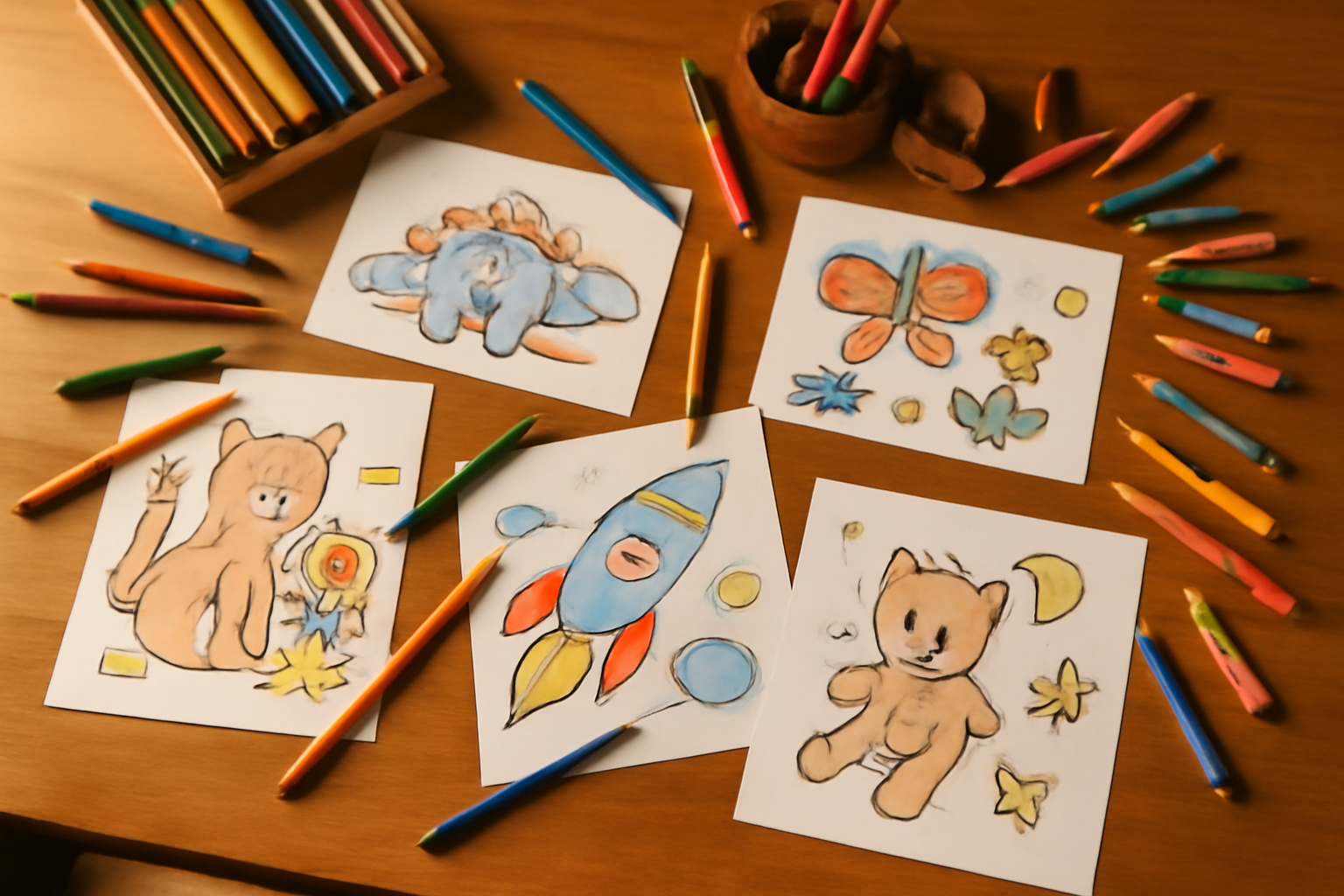
Describe any scene, character, or idea and get a beautiful black-and-white coloring page ready to print. Perfect for kids of all ages.
In the features that use AI, responses are generated by artificial intelligence and are not a substitute for professional advice.
Topiknya ada di kepala dan di dokumen Anda, tetapi Anda tidak melihat strukturnya?
Teks linear menyembunyikan hierarki: tidak terlihat apa yang bergantung pada apa, apa yang kurang, dan apa yang berlebih. aiMindMap berangkat dari satu kalimat atau dokumen Anda dan mengembalikan pohon lengkap, dengan ide pusat di tengah dan cabang terbagi di kedua sisi. Setelah itu Anda tinggal menulis: Tab membuat anak, Enter membuat saudara, dan peta menata ulang dirinya sendiri, tanpa tumpang tindih dan tanpa node yang sedang Anda ketik berpindah tempat.
Start for free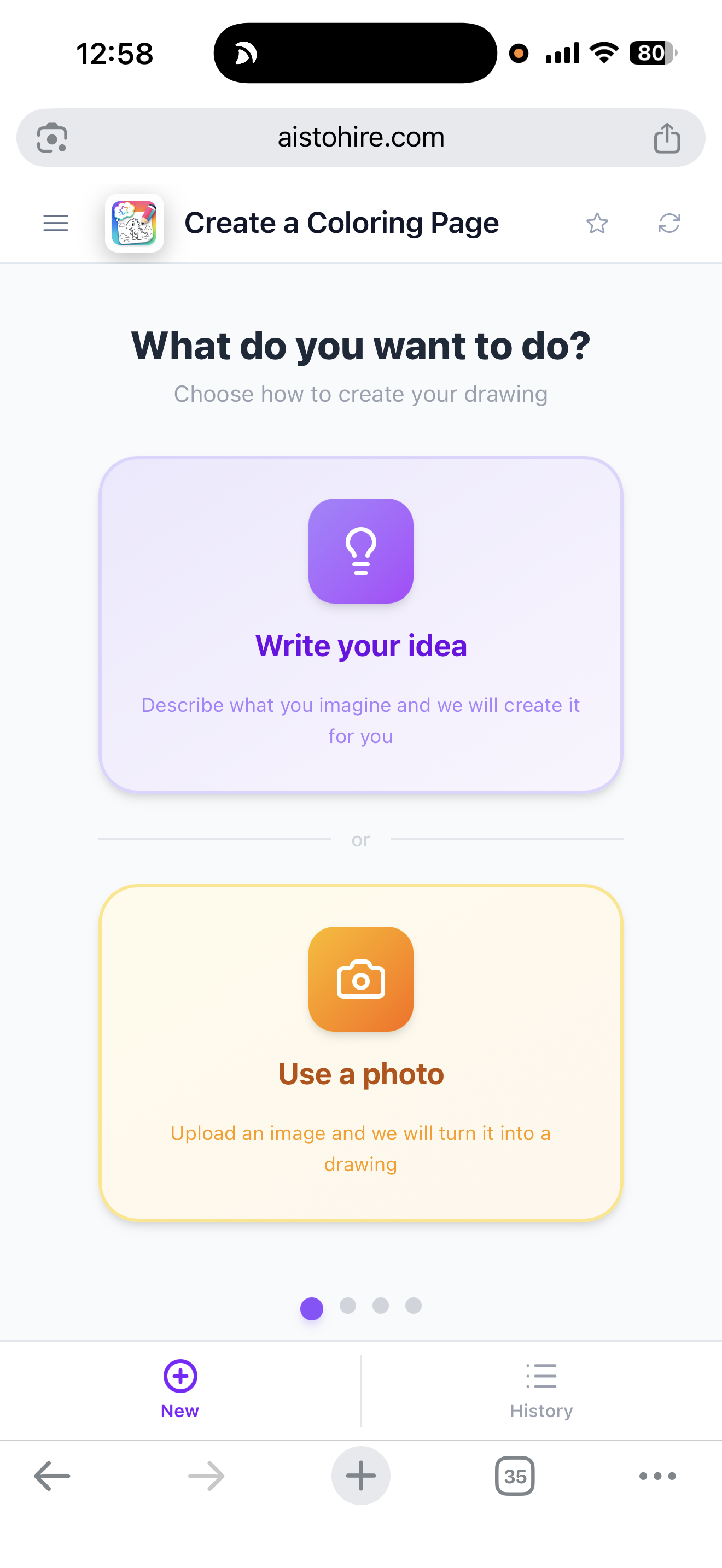
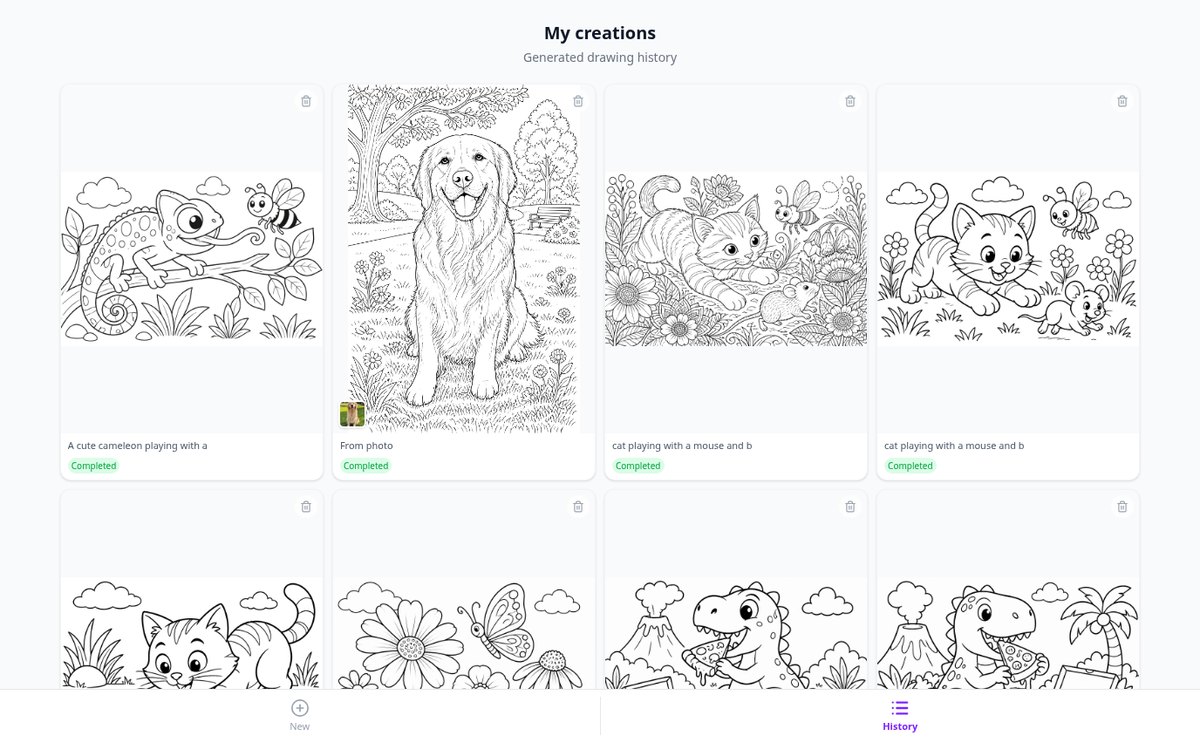
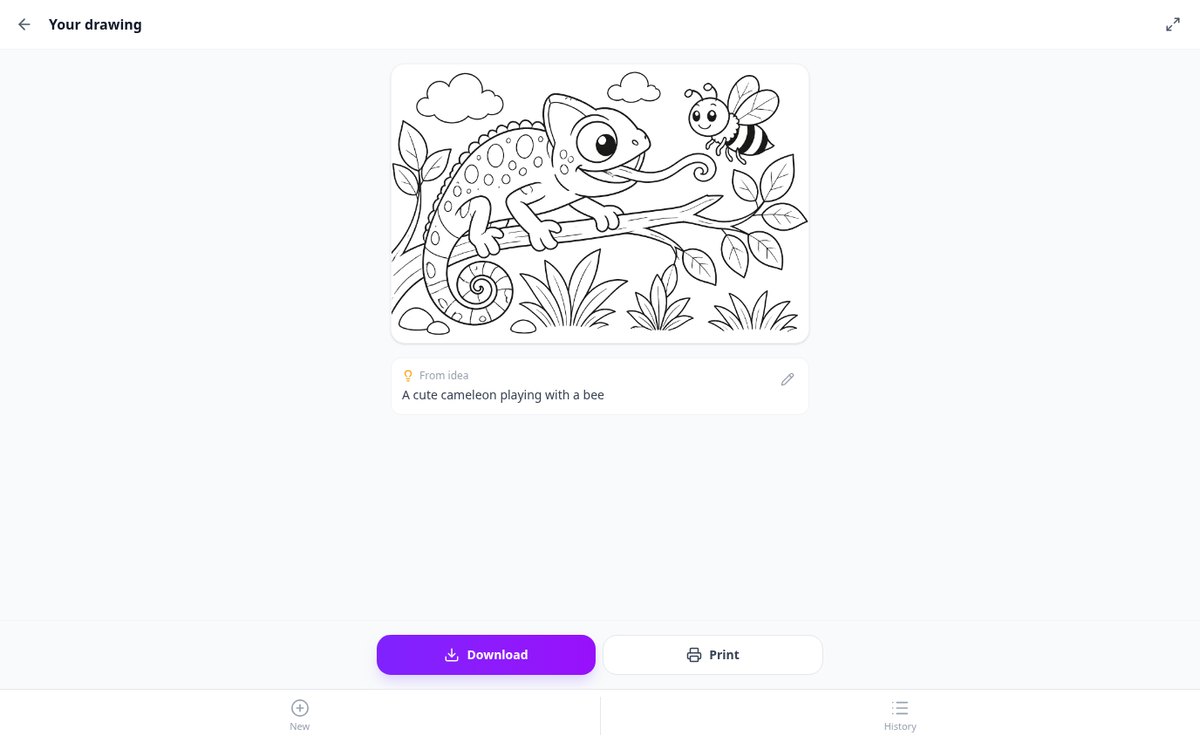
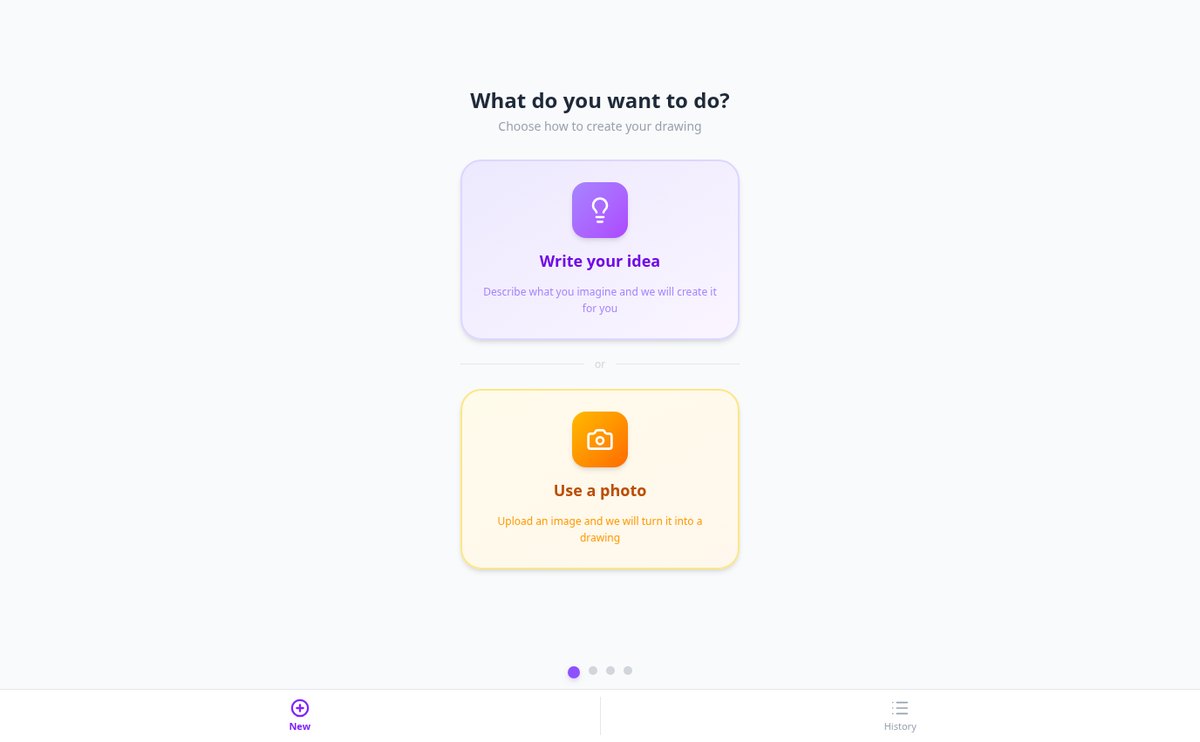
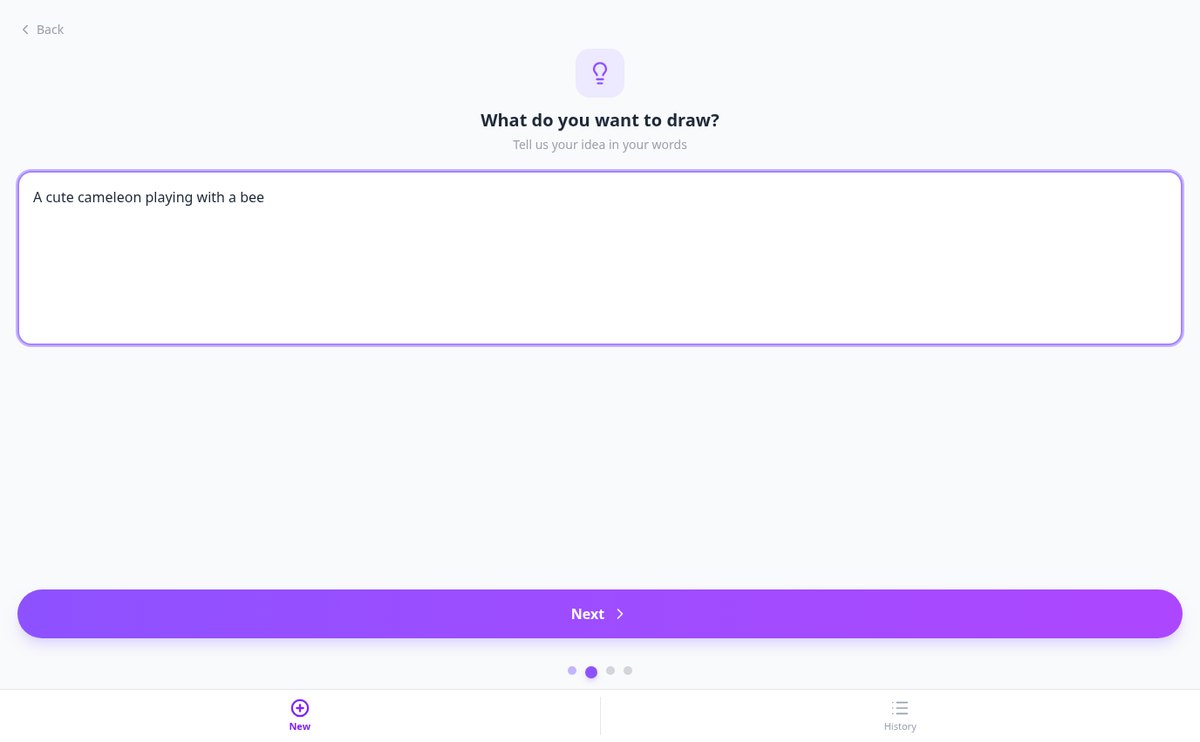
Discover every feature in detail
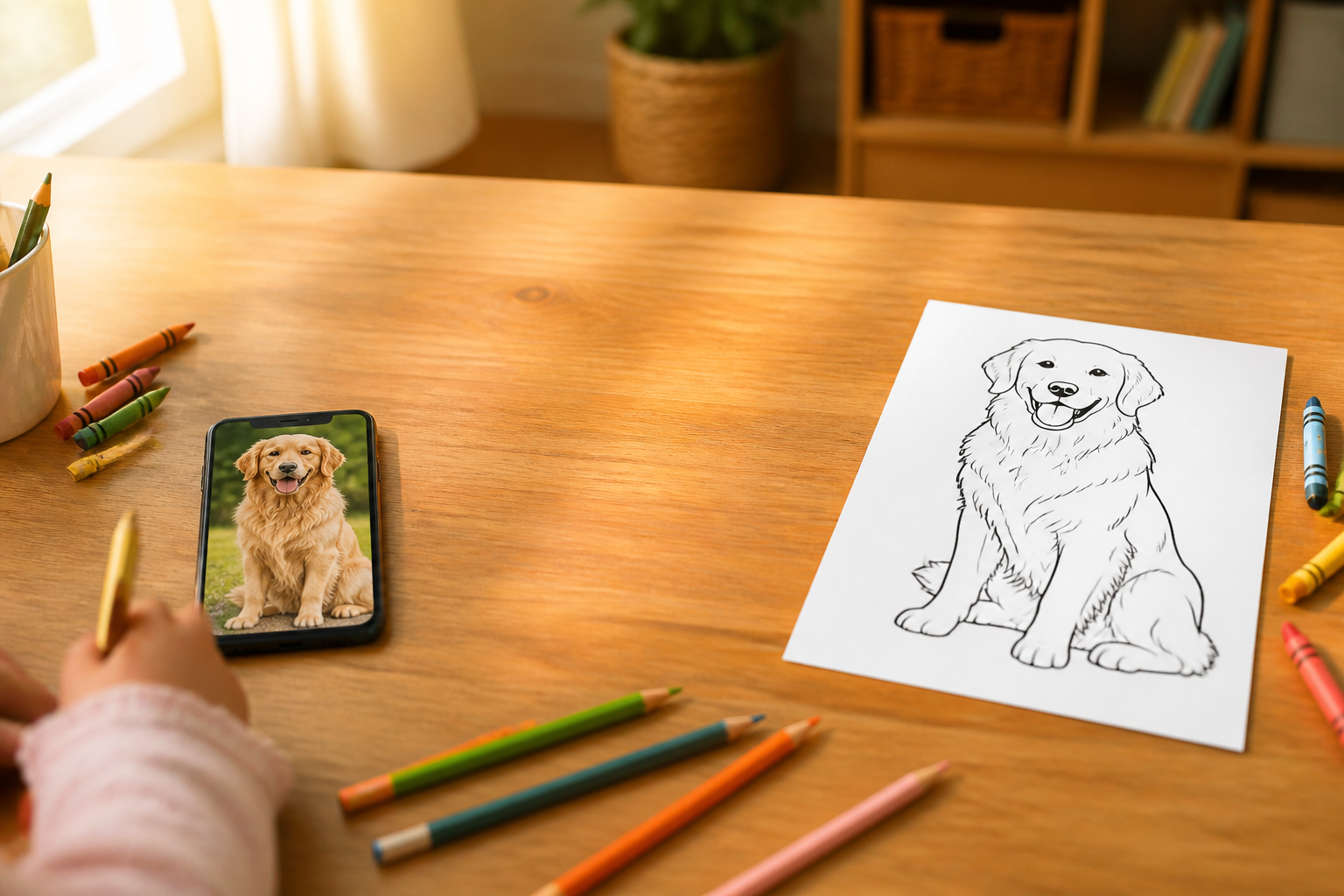
Convert a photo into a coloring drawing with AI | Aiscoloring
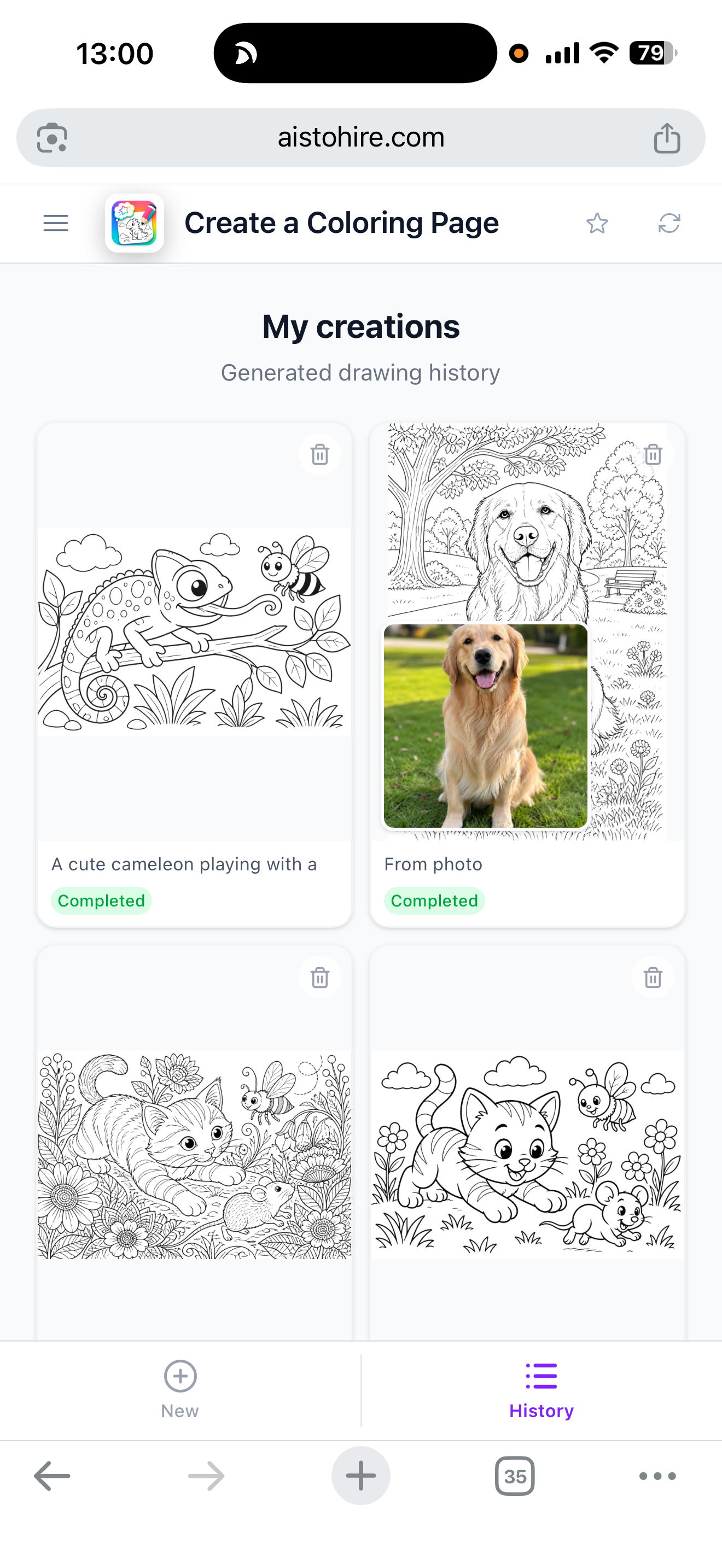
Upload a photo — pet, family, or landscape — and Aiscoloring converts it into a black line coloring page on a white background, ready to print in A4.
View feature
Create coloring pages from a written idea | Aiscoloring
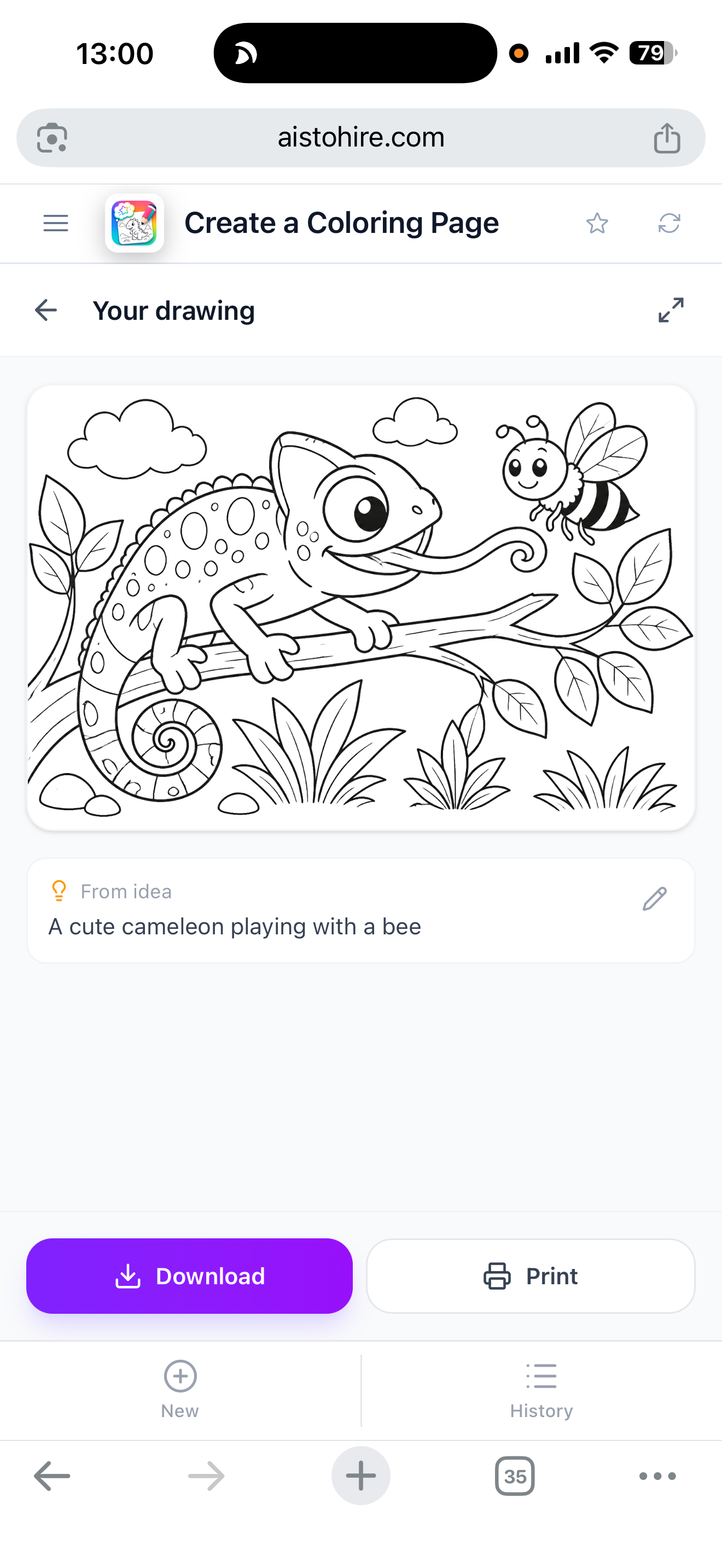
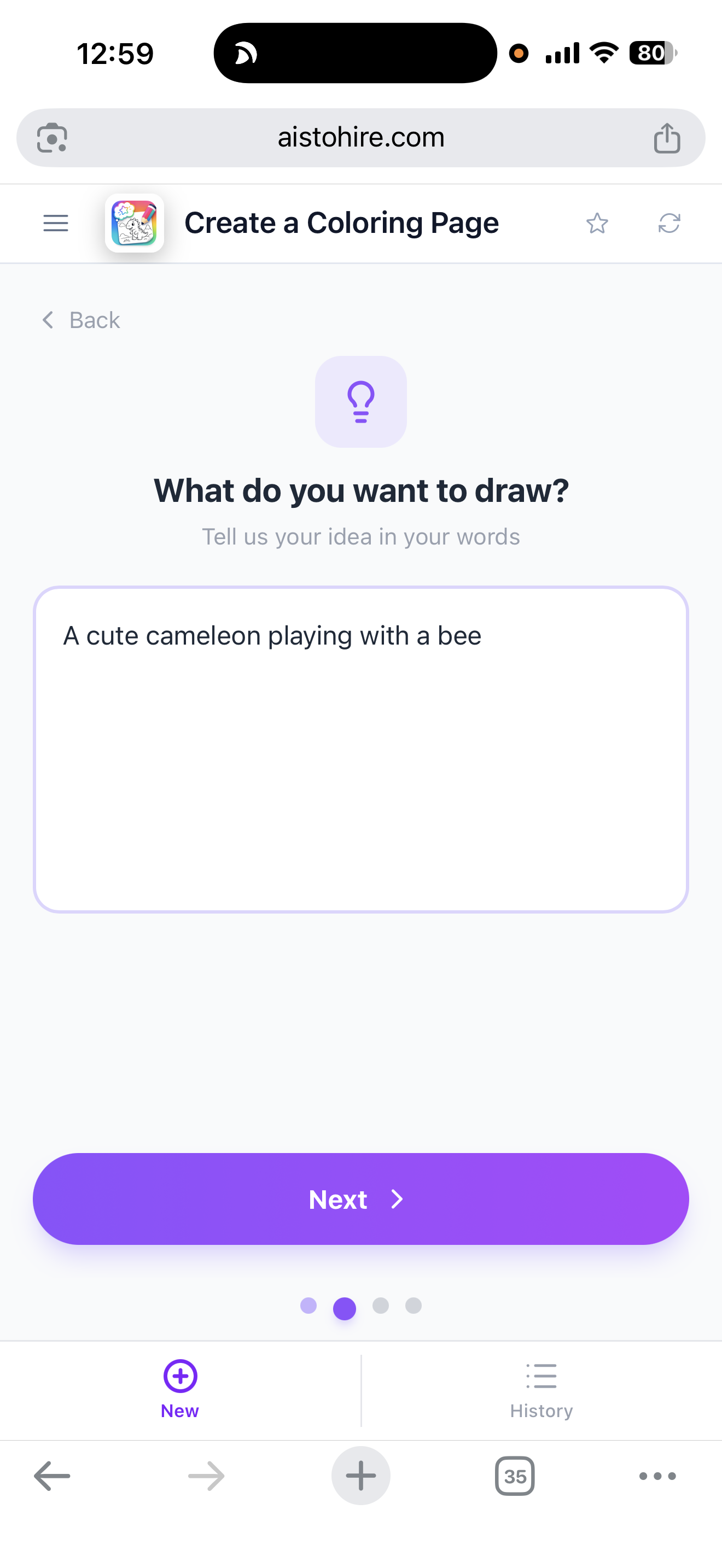
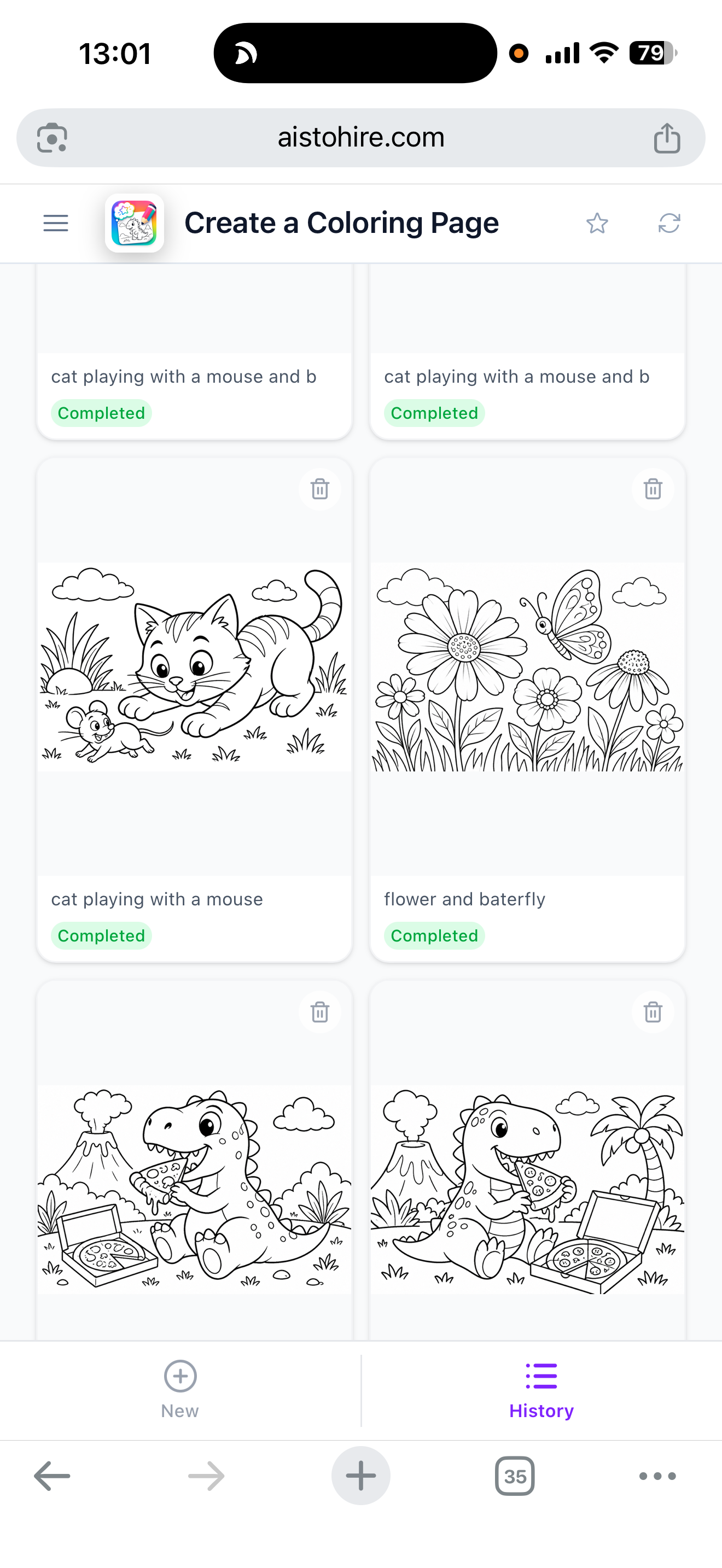
Write the scene you imagine and Aiscoloring's AI generates an original coloring page, with the difficulty level of your choice and ready to print in A4.
View feature
Coloring drawings by age: easy, medium, or hard | Aiscoloring
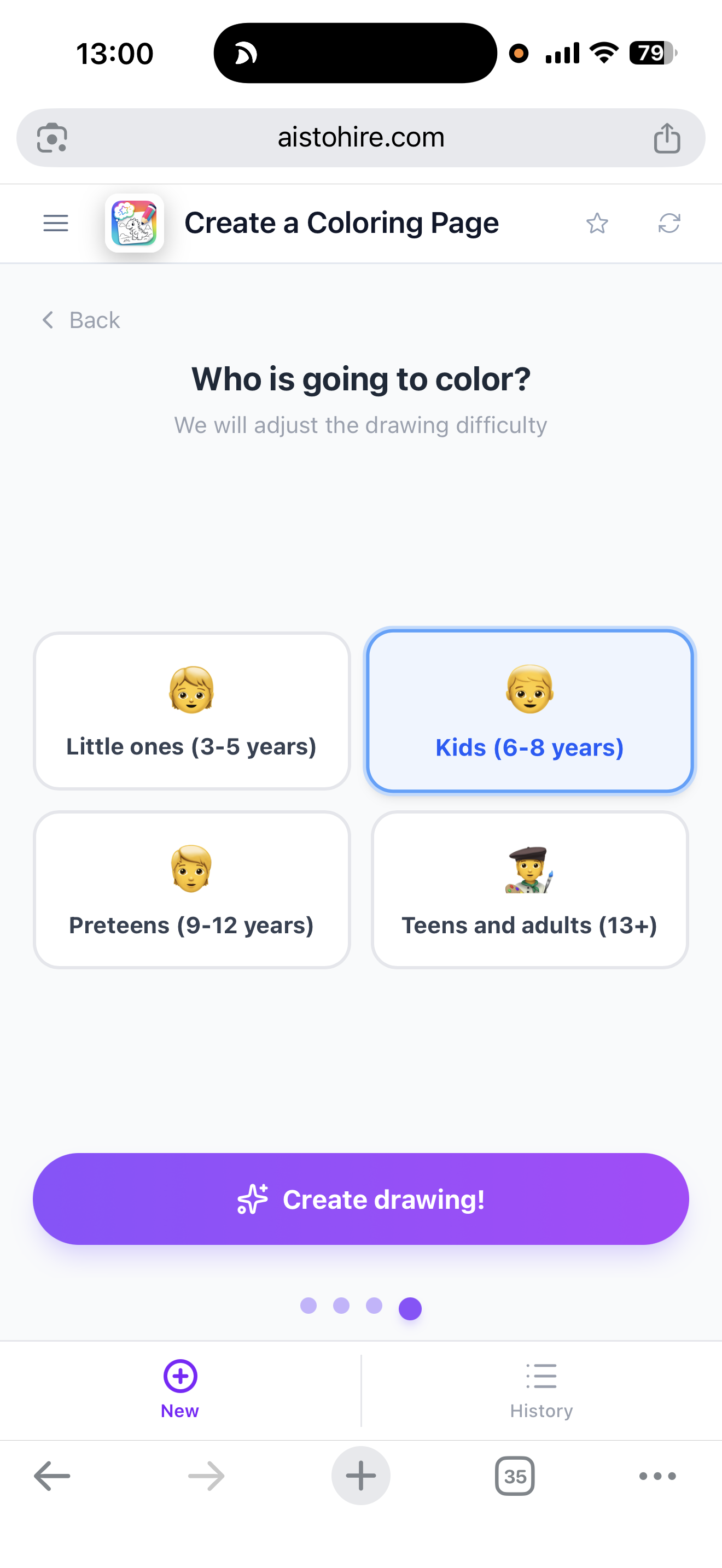
Choose the age range (3-5, 6-8, 9-12, or 13+) and Aiscoloring adjusts line thickness, number of elements, background, and patterns of the coloring drawing. Ready to print in A4.
View feature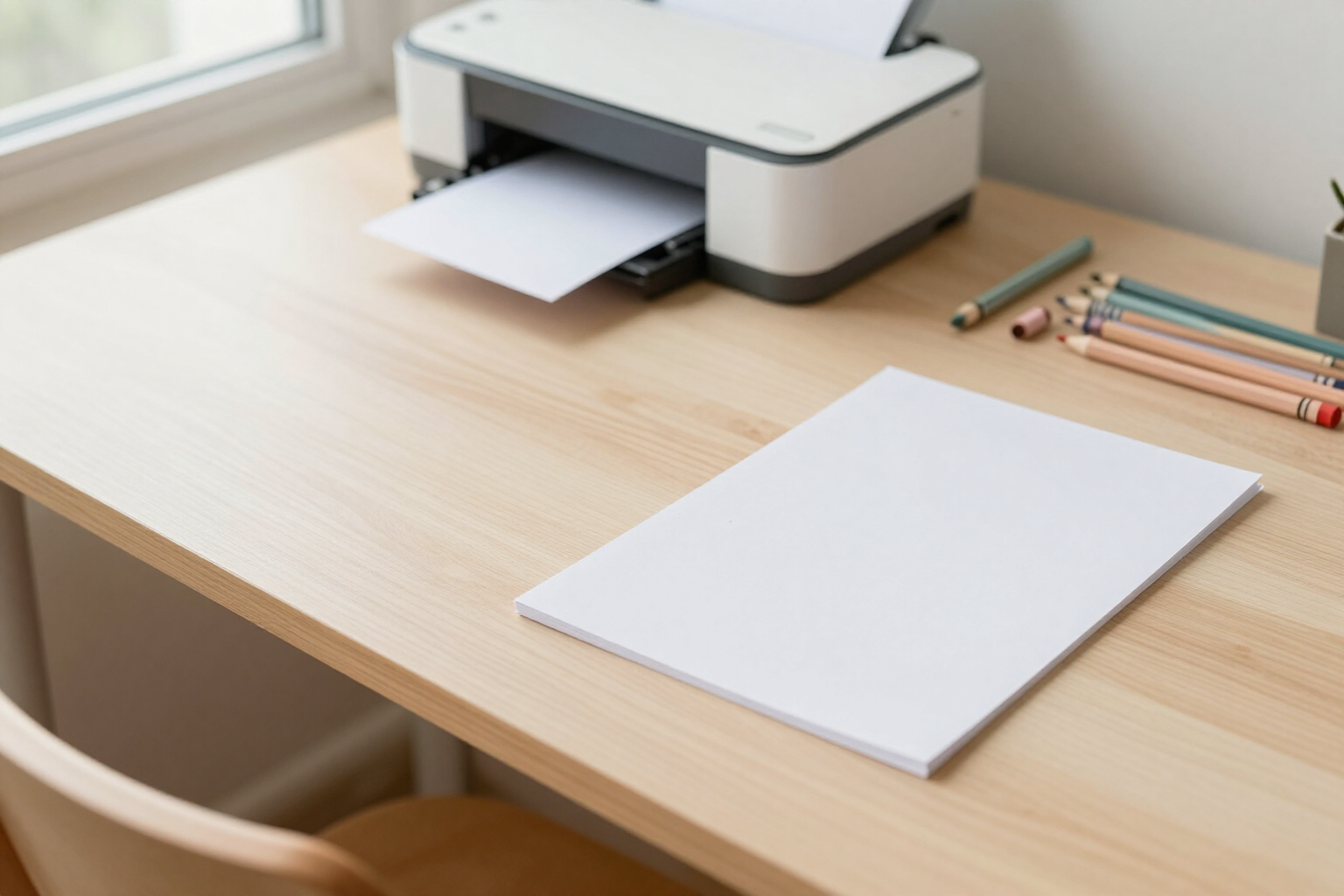
Printable coloring drawings in A4 with white background | Aiscoloring
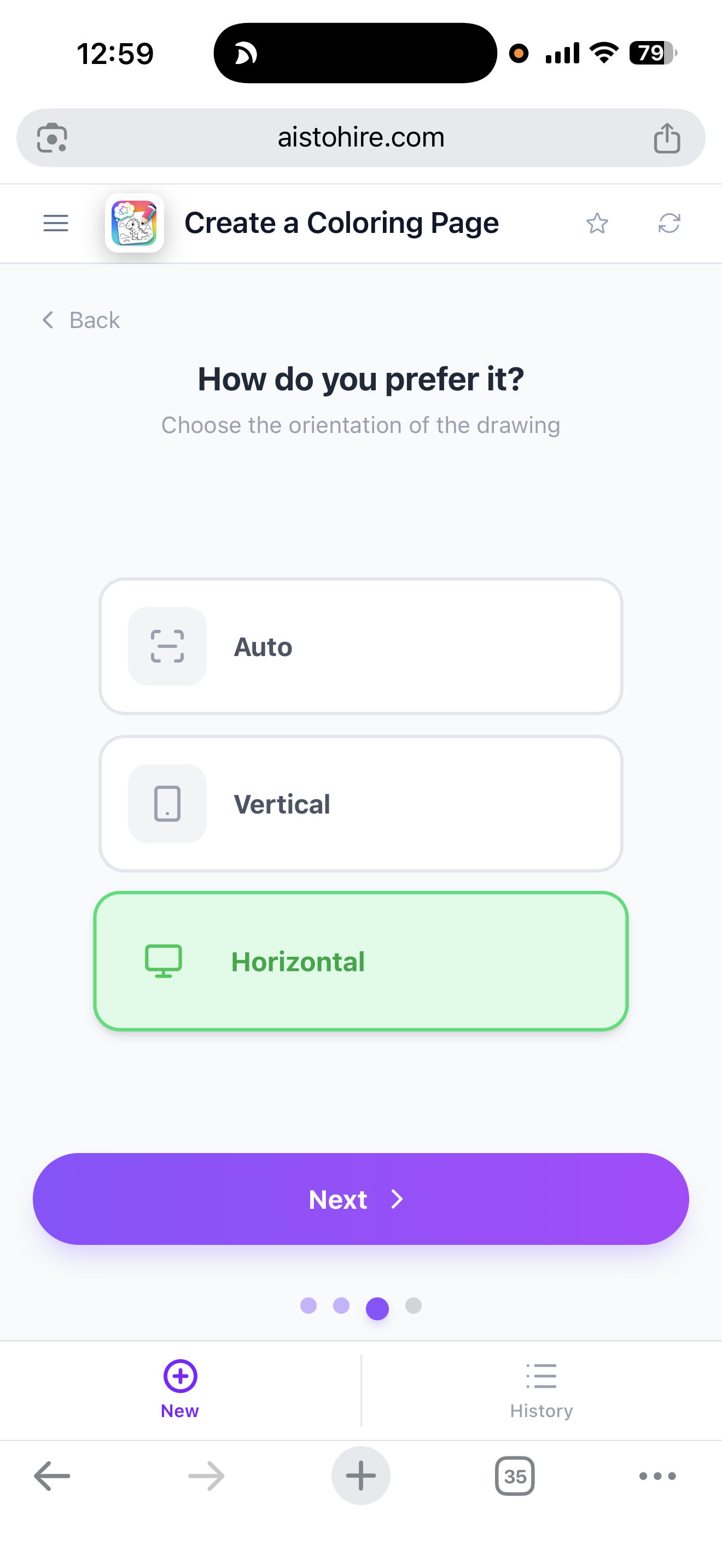
Generate coloring drawings and print them in vertical A4 without cuts, with a pure white background #FFFFFF, without borders or margins from the browser. It also works from mobile.
View feature
Download coloring drawings and save them to mobile Photos | Aiscoloring
Generate your coloring drawing and download it in one touch: on Android and iPhone, it saves to Photos with the share menu; on computer, download a PNG with a custom name.
View featureEverything you need to create amazing drawings
Ini bukan kanvas kosong dengan bentuk-bentuk lepas: ini pohon dengan satu akar, penempatan otomatis, dan AI sebagai titik awal.
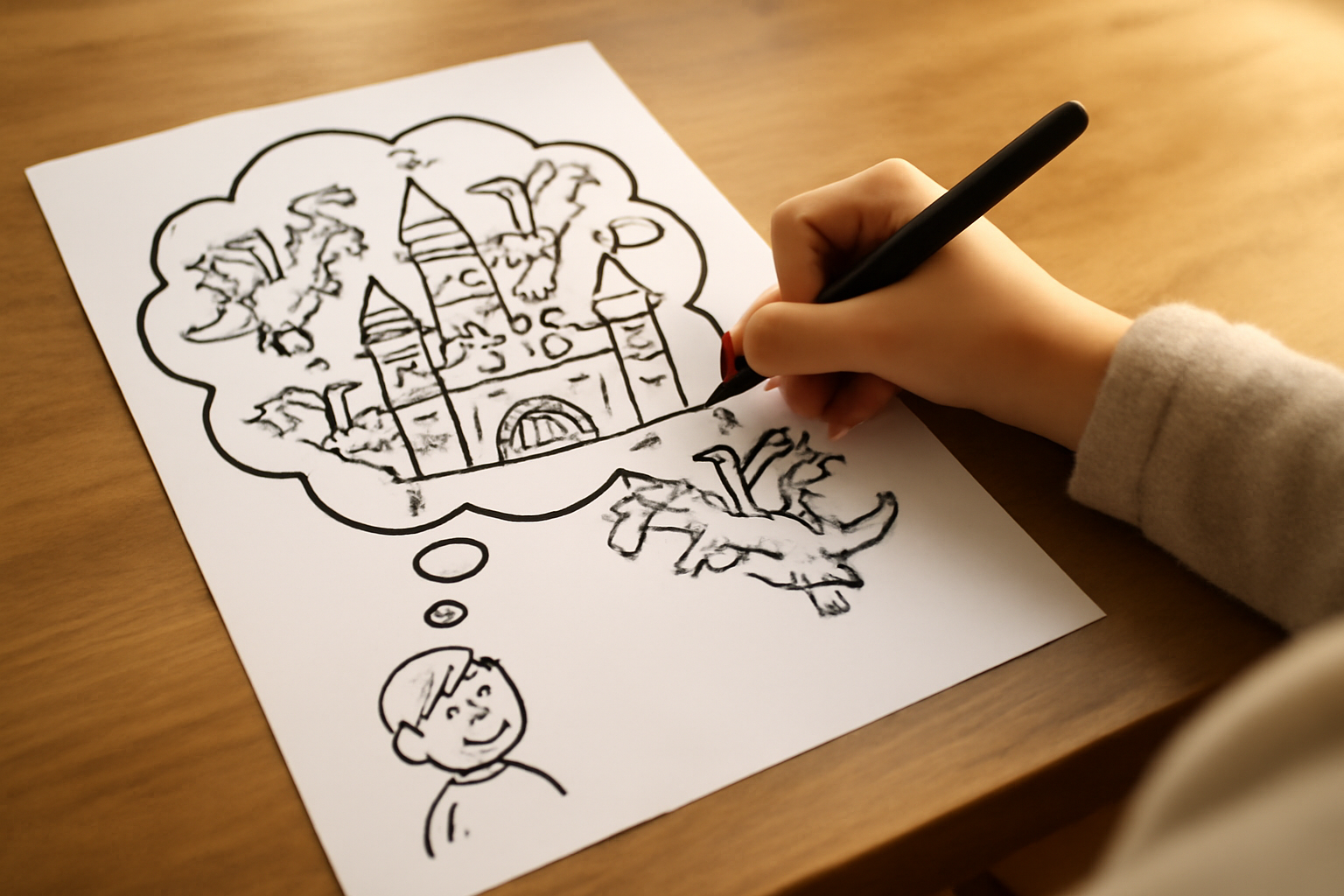
From an idea
Describe any scene or character and the AI generates a coloring page adapted to the age you choose.
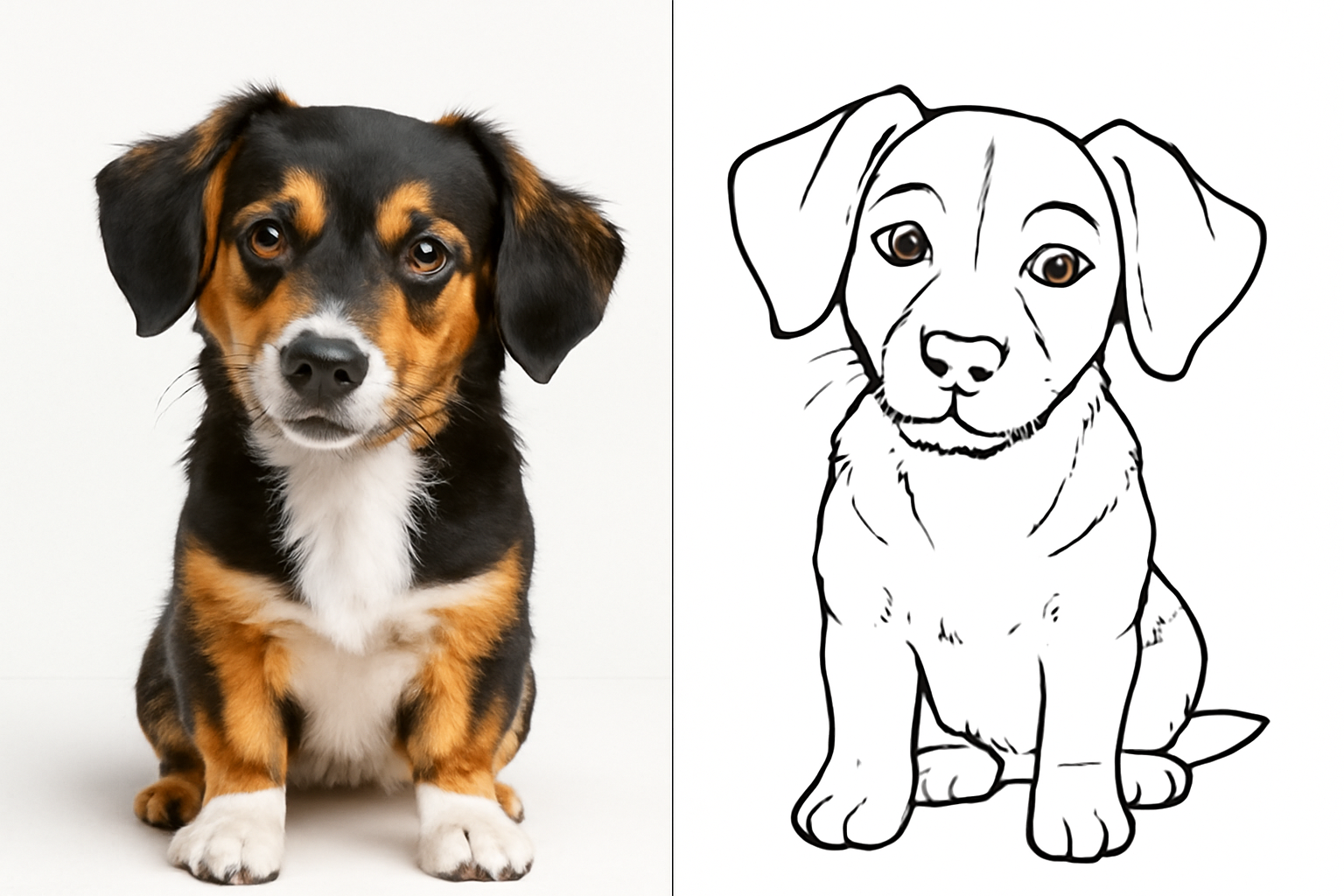
From a photo
Upload a photo and turn it into a coloring page with clean lines and a white background.
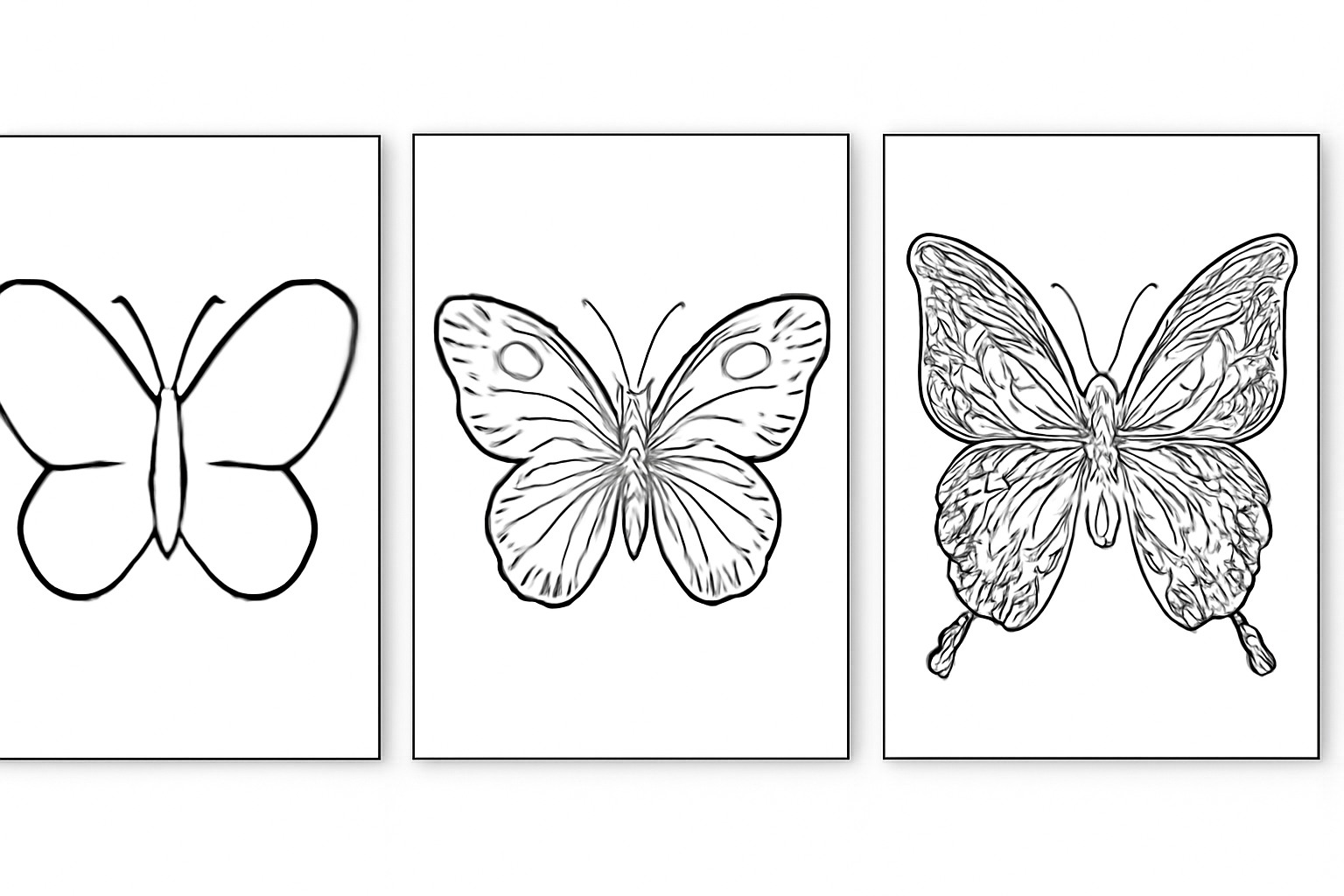
Adapted by age
Choose the age range and the level of detail adapts: thick lines for toddlers, complex patterns for adults.
How it works
Tulis topik atau unggah dokumen
Buat peta kosong, mulai dari templat (proyek, silabus, notulen, SWOT, naskah), atau biarkan AI membuatnya dari topik atau PDF Anda.
Edit dan perluas
Tab untuk turun satu level, Enter untuk tetap di level yang sama, seret untuk menata ulang, dan minta AI memperluas cabang yang terasa kurang.
Presentasikan atau ekspor
Tinjau peta dalam mode presentasi atau unduh dalam PNG, PDF, atau Markdown untuk dibagikan kepada yang perlu membacanya.
Frequently asked questions
Latest blog articles
Guides and news to get more out of it
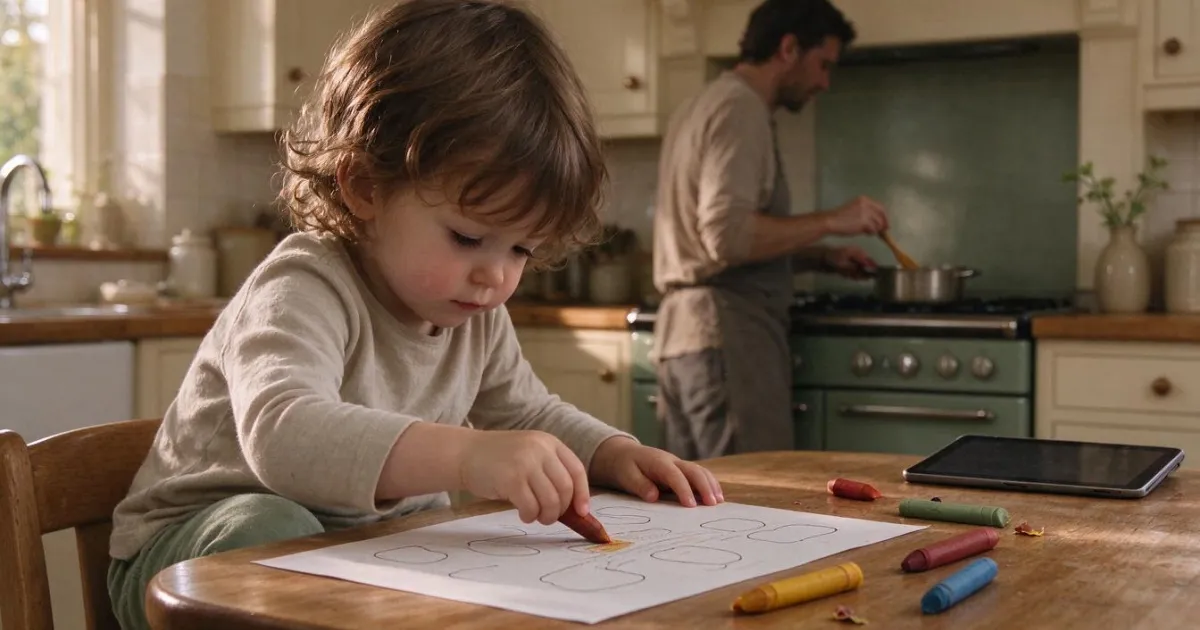
Less than an hour of screen time before age 5: what changes at home with the 2026 guidelines
Less than 1 hour of screen time before age 5: the British guide from March 2026 compared to WHO and AEP, age chart, and real alternatives.
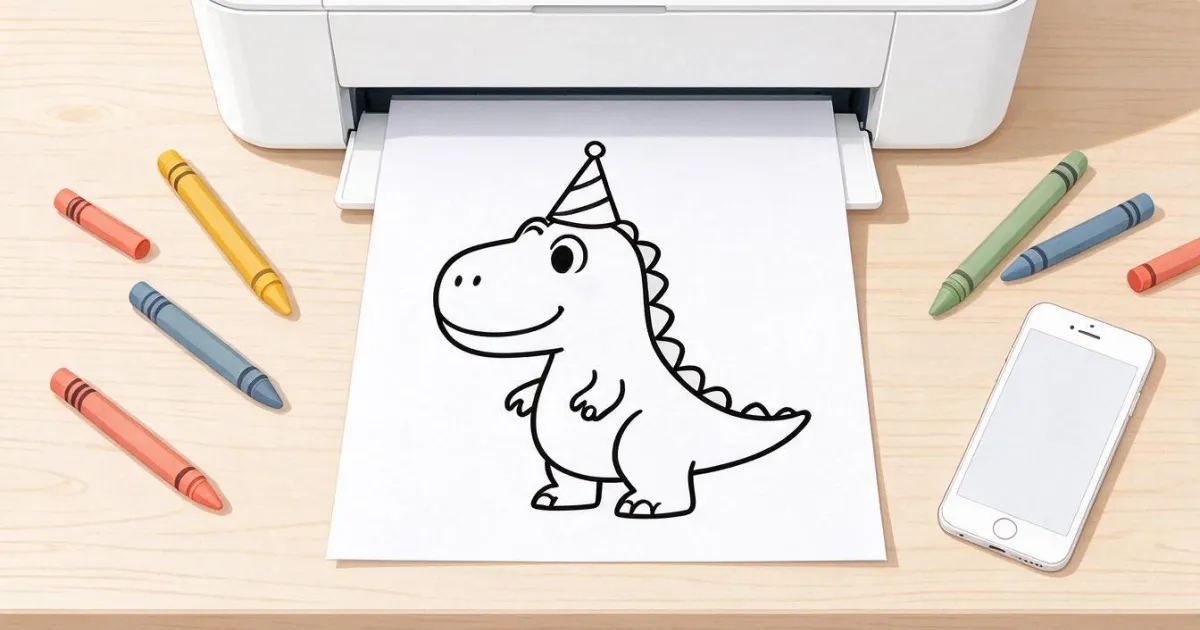
Printable Coloring Pages: How to Get the One You Need and Print It Well on A4
Why online coloring pages print out gray, what resolution is needed for A4, and how to create the exact drawing by age with Aiscoloring.
Ready to create amazing drawings?
Buat akun gratis Anda dan ubah topik pertama atau PDF pertama Anda menjadi peta pikiran hari ini juga.