
BaseTable · The database that adapts to the way you work
 AI
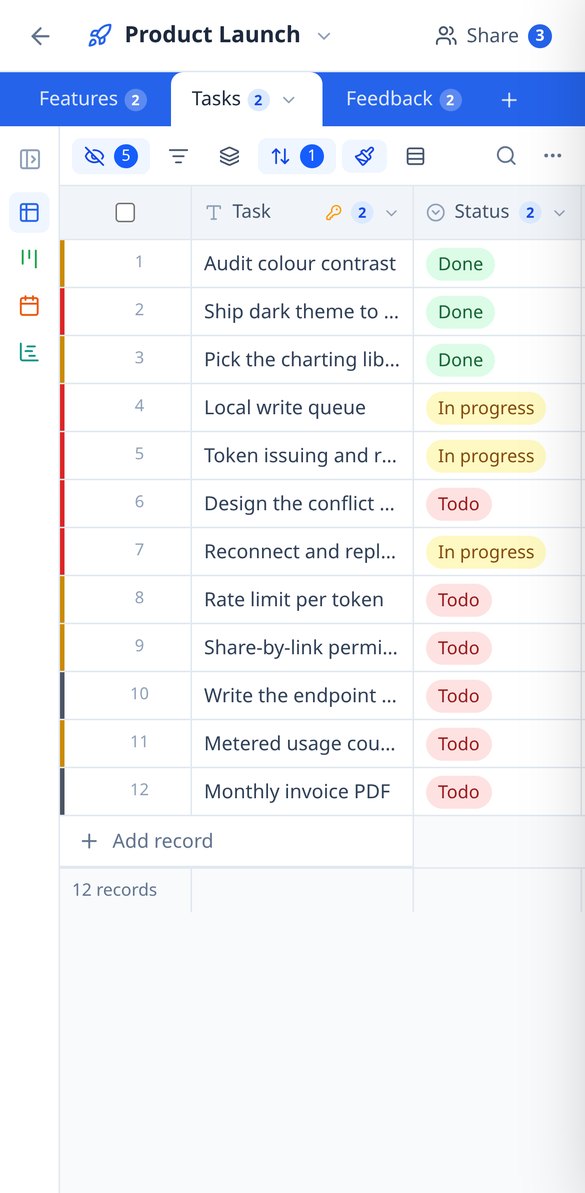
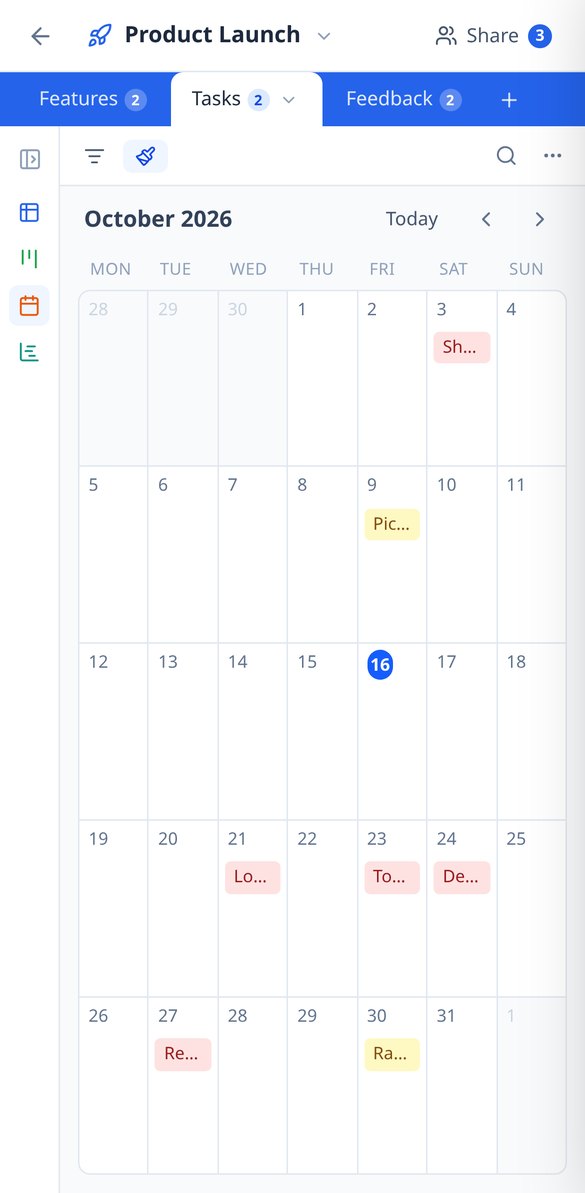
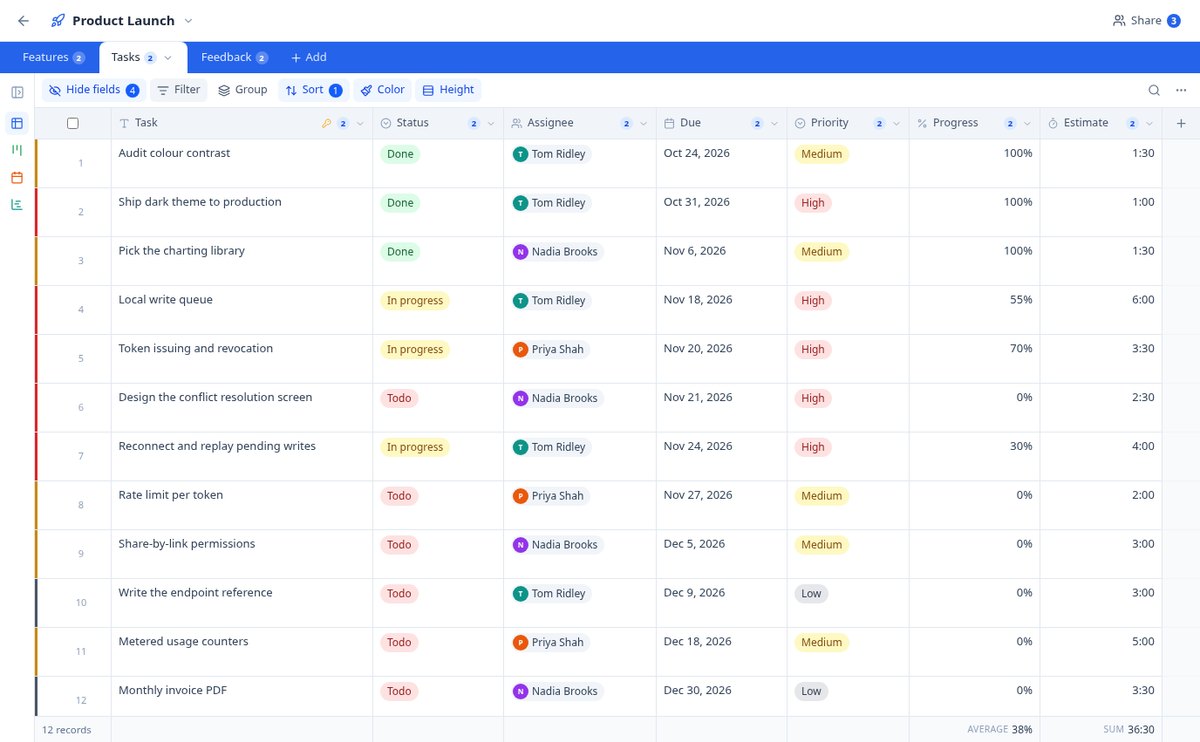
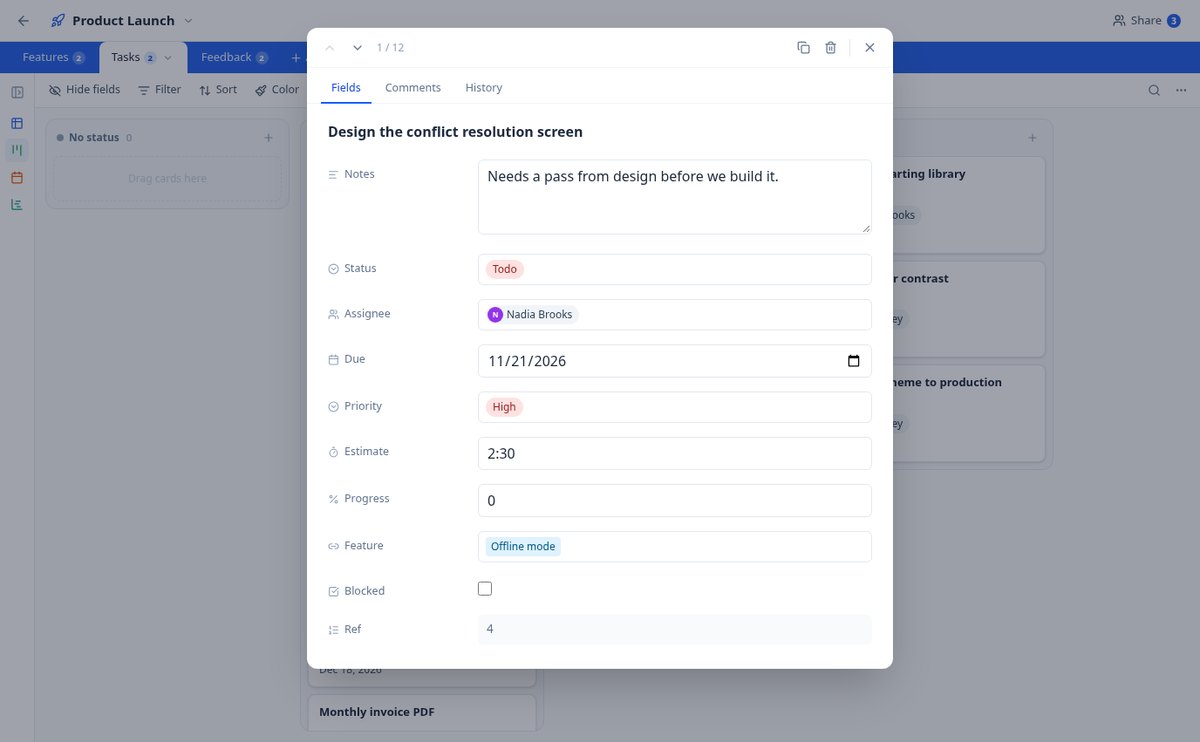
If you know how to use a spreadsheet, you already know how to use BaseTable: create tables to your liking, link them together, and view the same data as a grid, kanban, calendar, gallery, timeline, or form.
In the features that use AI, responses are generated by artificial intelligence and are not a substitute for professional advice.
Osaako hän seitsemän kertotaulun tänään ja erehtyy huomenna taas?
Päässälasku vakiintuu vain toistamalla, ja juuri siinä se menee pieleen: lapsi erehtyy laskussa, siirtyy seuraavaan ja erehtyy samaan kuukausien ajan. Zuki Math tarjoaa hänelle 20 laskun haasteen iän mukaan eikä anna yhdenkään virheen livahtaa ohi: väärin mennyt lasku palaa jonon loppuun, ilmestyy REVANSSI!-merkin kanssa ja jatkaa ilmestymistä, kunnes se on oikein. Haaste kestää kaksi tai kolme minuuttia, joten se mahtuu mihin tahansa iltapäivään.
Start for free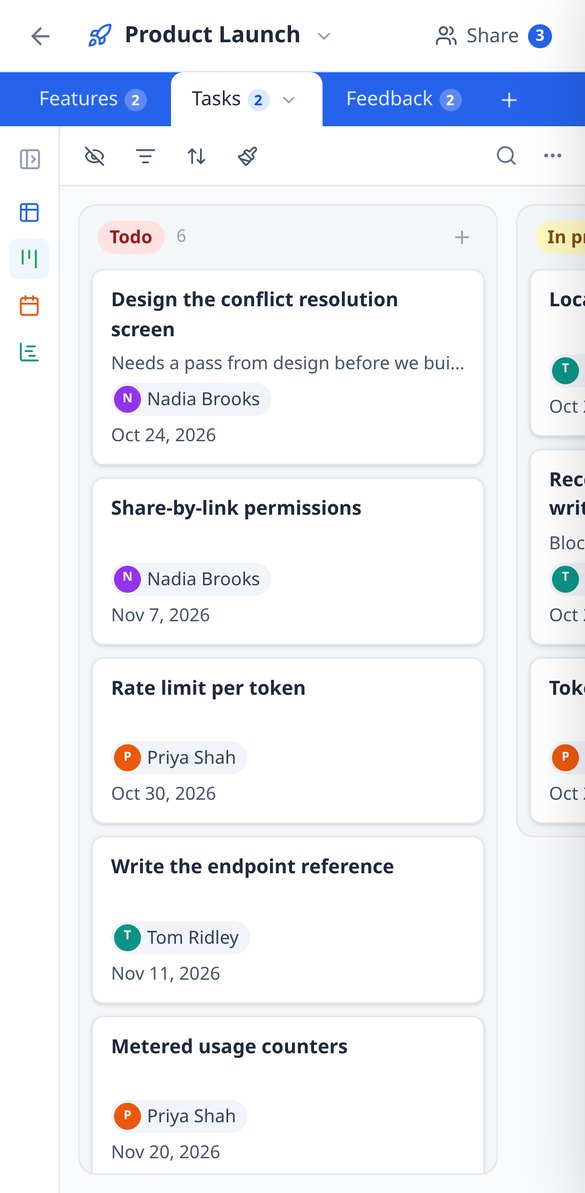
Discover every feature in detail

Create an online database without coding | 23 field types | BaseTable
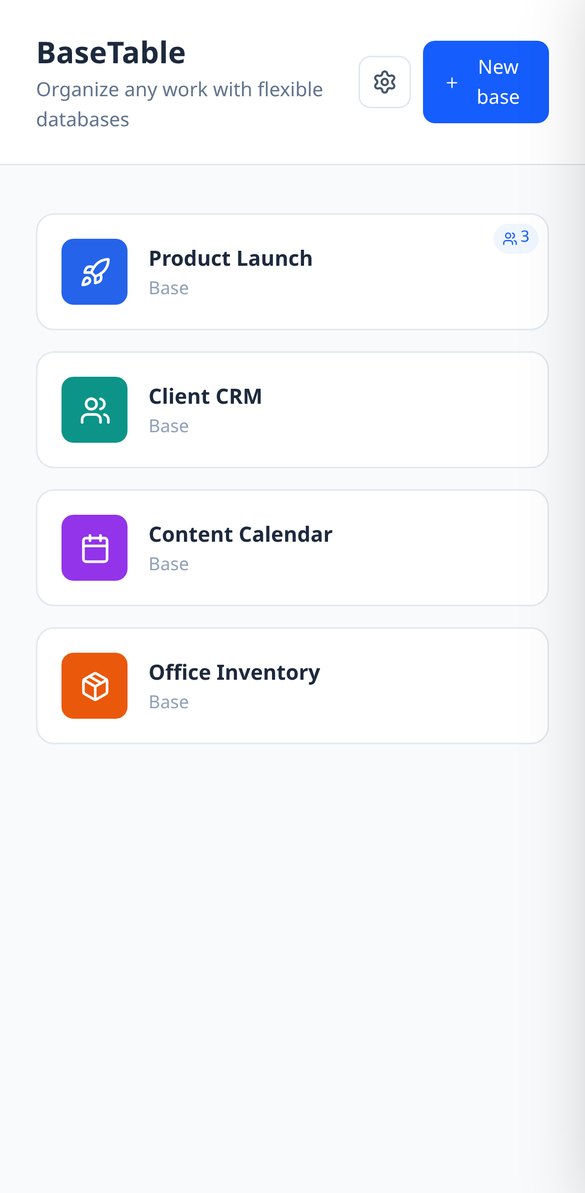
Create databases without coding from your browser: 23 field types (currency, date, selection, attachments, rating, formula, lookup, rollup) and linked tables. Free with BaseTable.
View feature
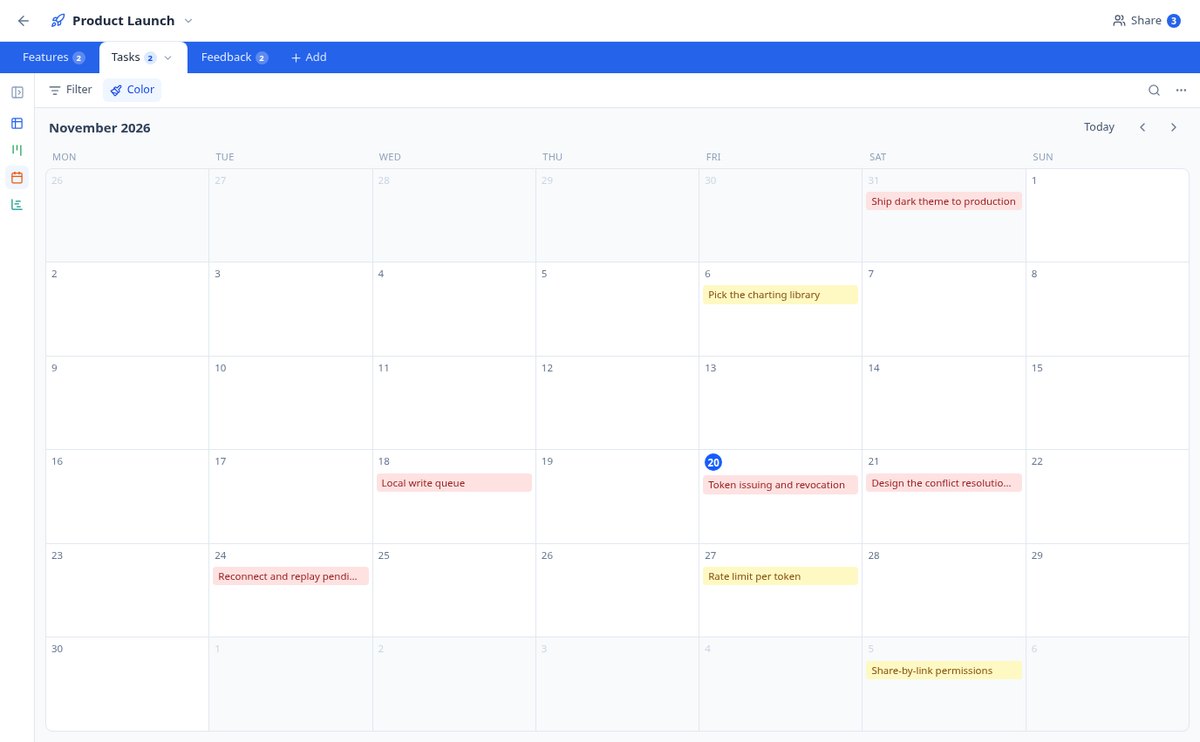
Kanban, calendar, and Gantt on the same table | BaseTable
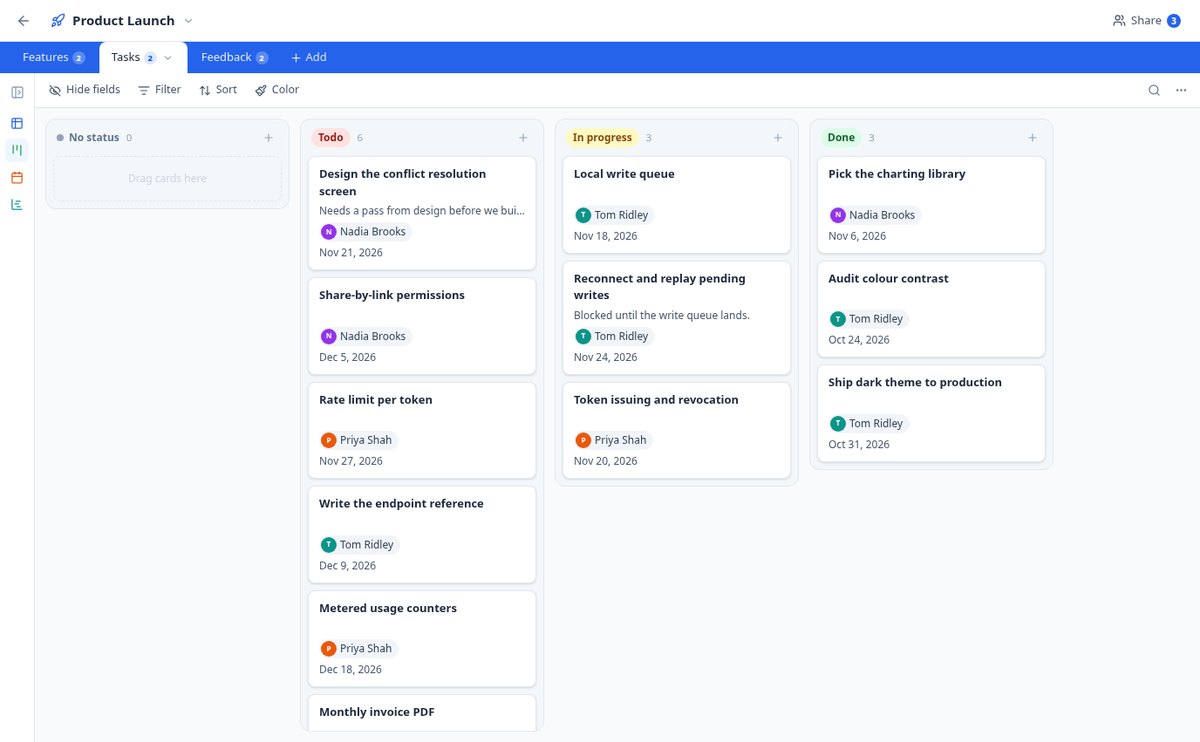
View the same data as a grid, kanban board, gallery, monthly calendar, Gantt chart, or sign-up form. Six views per table, without duplicating anything. Free with BaseTable.
View feature
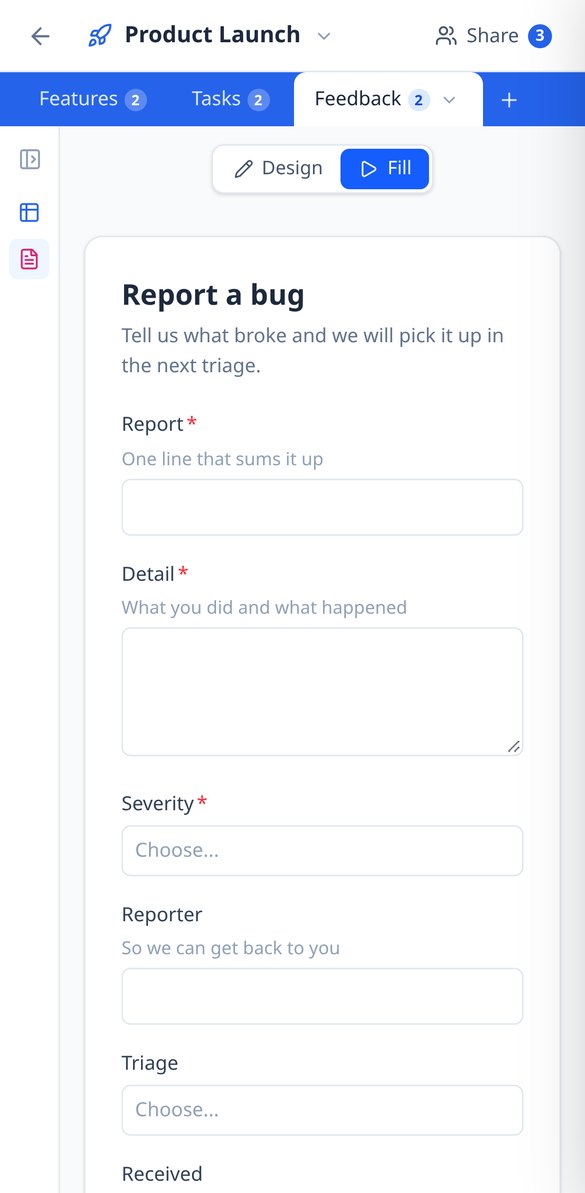
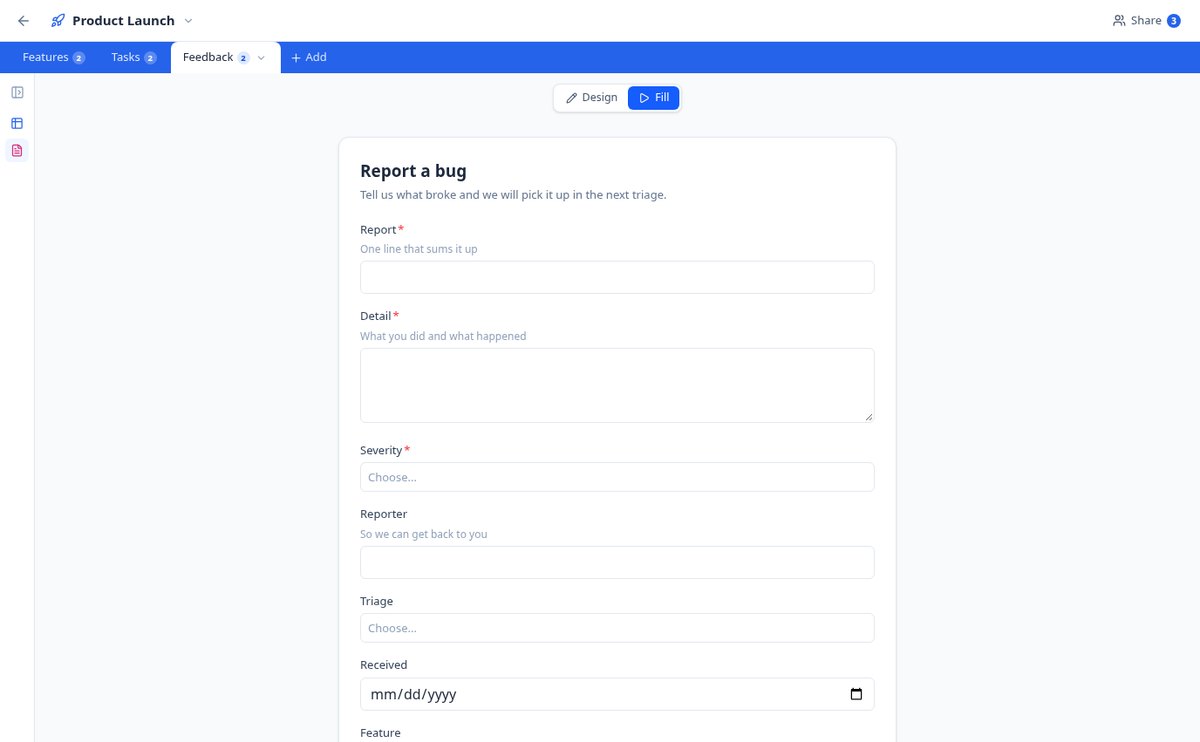
Create a form that saves to your database | BaseTable
Design a form based on any table: choose the fields, the required ones, the help texts, and the confirmation message. Each submission enters as a record. Free with BaseTable.
View feature
Share a database with permissions by table and field | BaseTable
Invite your team to an online database and decide who edits, who only views, and which columns no one sees. Permissions by table, view, and field—no coding required. Free.
View feature
Import from Airtable and CSV to an online database | BaseTable
Migrate your Airtable bases with tables, fields, views, linked records and attachments by pasting a token, or convert a CSV into a table with types detected. Free with BaseTable.
View feature
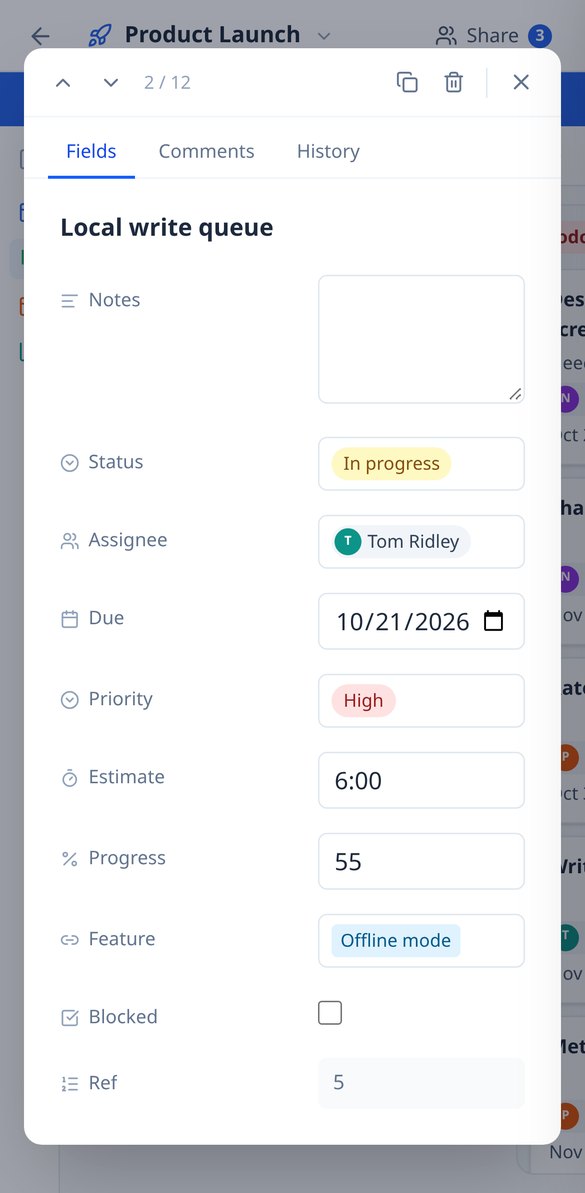
Change History and Comments per Record | BaseTable
Online database with row-level auditing: field-by-field change history (previous value → new) and a comment thread in every record. Free with BaseTable.
View featureDatabase power, spreadsheet simplicity
Kolme asiaa, joita läksylappu ei anna: vuosi vuodelta kalibroitu vaikeus, virheet jotka eivät livahda ohi ja halu toistaa huomennakin.
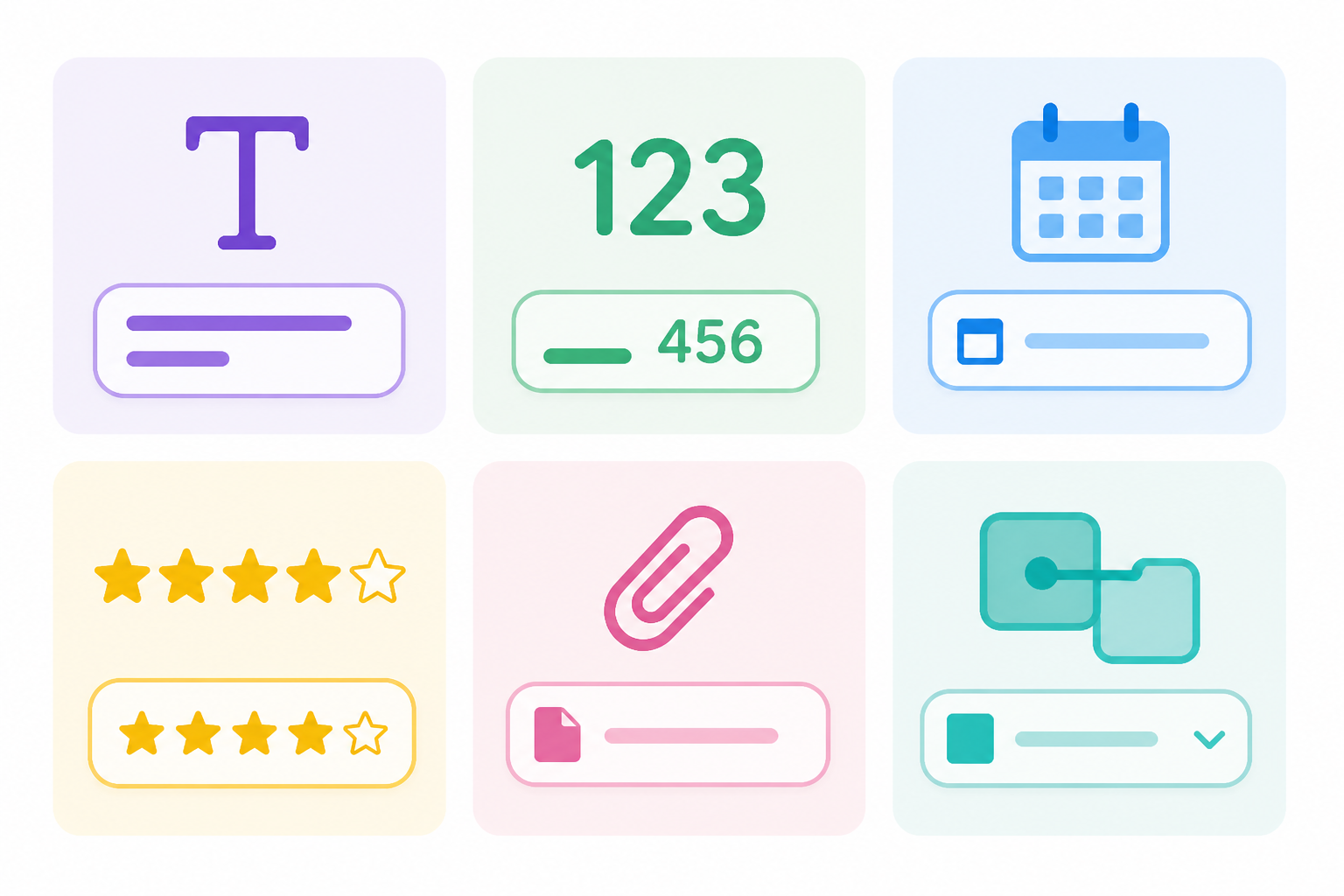
23 field types
Text, number, currency, percentage, duration, date, select, rating, attachments, collaborator, formulas, lookup, rollup, autonumber, and linked records between tables.

6 views over the same data
Editable grid, kanban board, card gallery, calendar, timeline, and form to collect information. Switch views without duplicating anything.
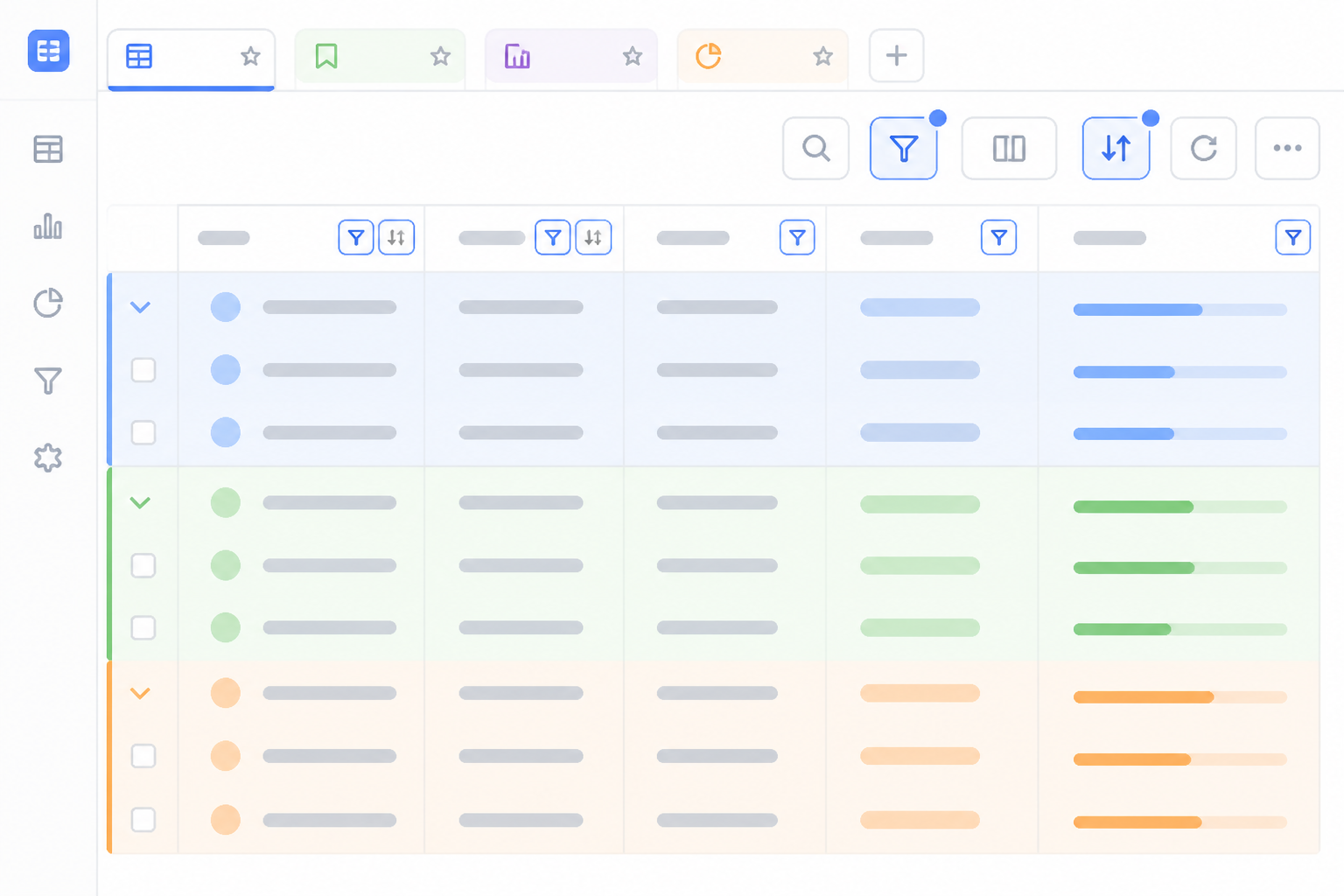
Filters, groups, and saved views
Filter with nested conditions, group up to three levels, sort, color by status, and summarize each column: each view's configuration saves itself.
From spreadsheet to your base in three steps
Luo lapsen profiili
Poika tai tyttö, nimi ja ikä 4-12. Enintään kahdeksan profiilia samalla tilillä, jokaisella omat pisteet, taso ja historia.
Valitse harjoiteltava
Yhteen-, vähennys- tai kertolaskut, mitä tänä iltapäivänä tarvitaan, ja haasteen taso, jos haluat nostaa tai laskea vaikeutta.
20 laskua ja kohti pokaalia
Lähtölaskenta, näyttönäppäimistö ja ratkaisemaan. Virheelliset palaavat; kun viimeinen on oikein, tulevat pisteet, smaragdit ja konfetti.
Frequently Asked Questions
Latest blog articles
Guides and news to get more out of it

Airtable changes ownership: how to audit your bases and prepare an exit plan without panicking and migrating
Airtable is now owned by Bending Spoons: what has changed, how to audit your bases in 30 minutes, export your data, and choose an alternative without panicking and migrating.

Share a spreadsheet without it getting misaligned: why 'protecting cells' isn't security and what to do instead
Protecting cells in Excel or Google Sheets prevents editing, not viewing. What each option really prevents, the 4 typical wrecks, and how to grant permissions by table, view, and field with BaseTable.
Organize your work with BaseTable
Luo ilmainen tili, tee lapsen profiili ja anna hänen ratkaista ensimmäiset 20 laskuaan.