
BaseTable · The database that adapts to the way you work
 AI
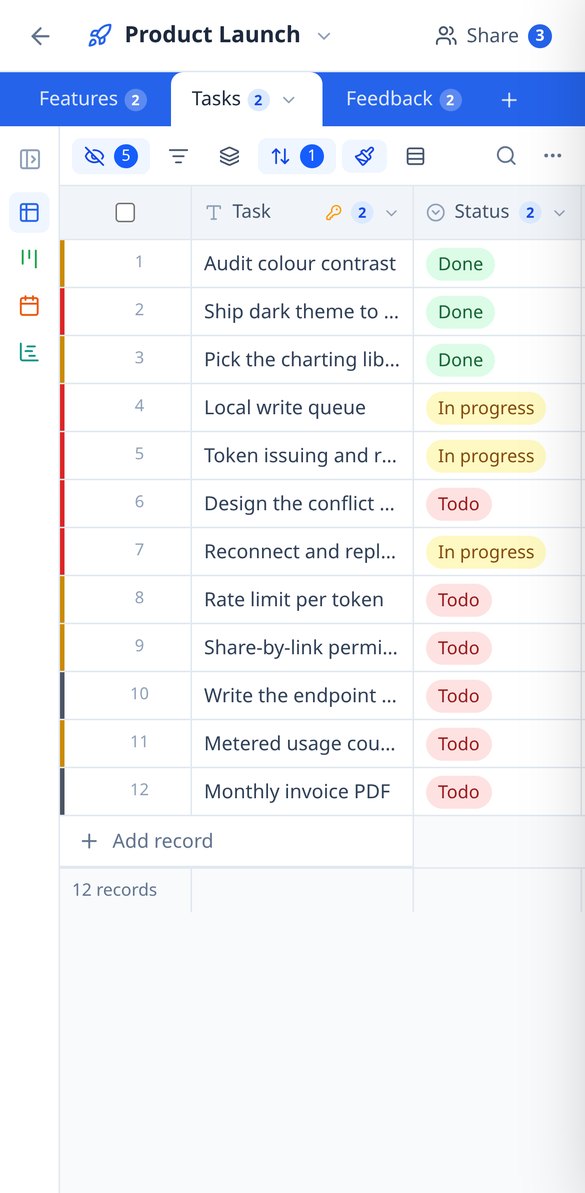
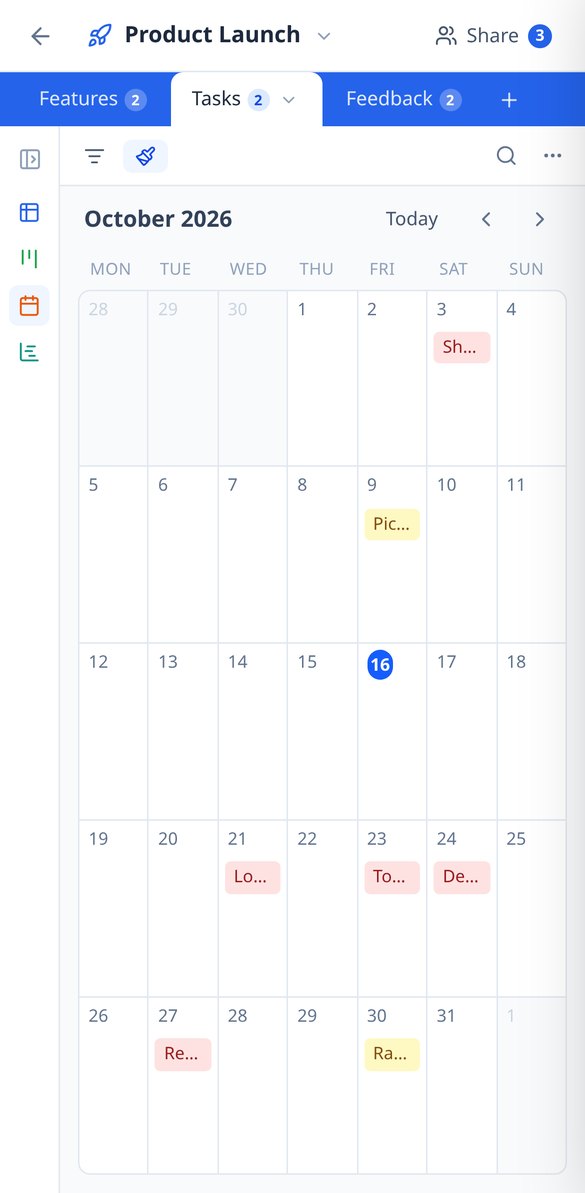
If you know how to use a spreadsheet, you already know how to use BaseTable: create tables to your liking, link them together, and view the same data as a grid, kanban, calendar, gallery, timeline, or form.
In the features that use AI, responses are generated by artificial intelligence and are not a substitute for professional advice.
Asuuko työsi taulukkolaskentatiedostoissa, joita kukaan ei enää jaksa ylläpitää?
BaseTable tuo rakenteen tähän kaaokseen: oikeasti tyypitetyt kentät, toisiinsa linkittyvät taulukot ja samat tiedot nähtynä ruudukkona, kanbanina, kalenterina tai lomakkeena. Ilman tietojen monistamista ja ilman riviäkään koodia.
Start for free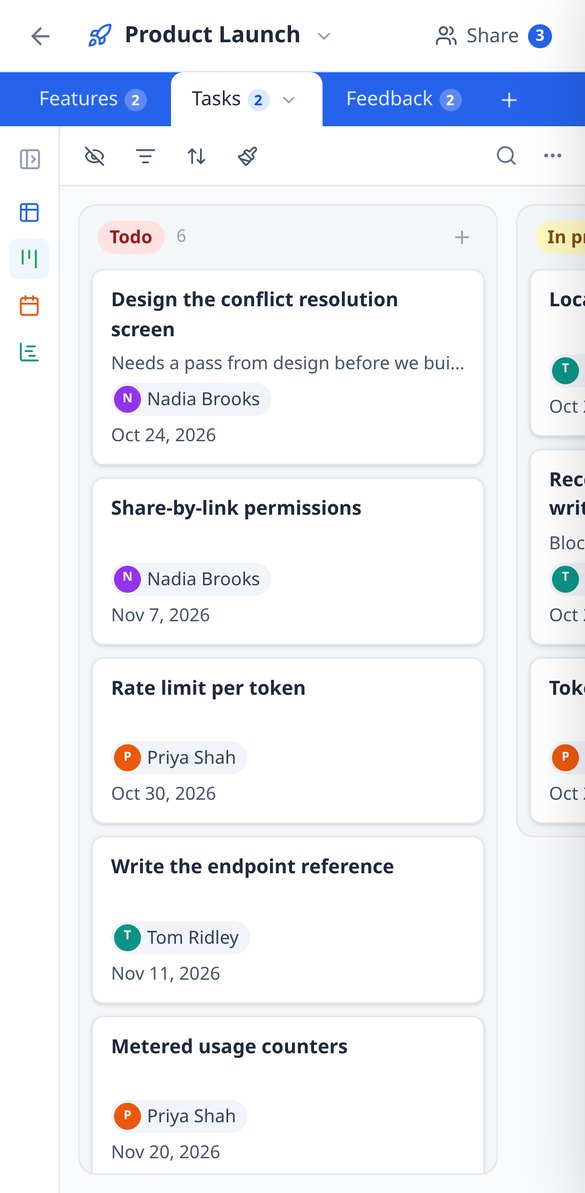
Discover every feature in detail

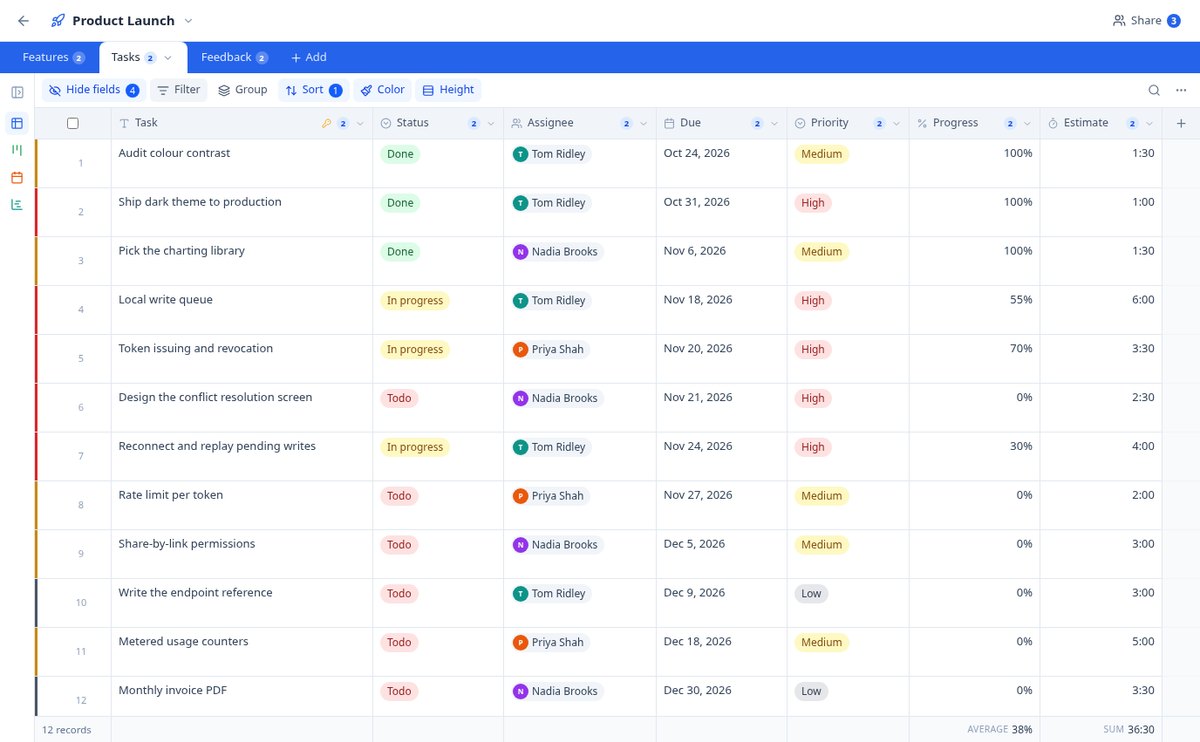
Create an online database without coding | 23 field types | BaseTable
Create databases without coding from your browser: 23 field types (currency, date, selection, attachments, rating, formula, lookup, rollup) and linked tables. Free with BaseTable.
View feature
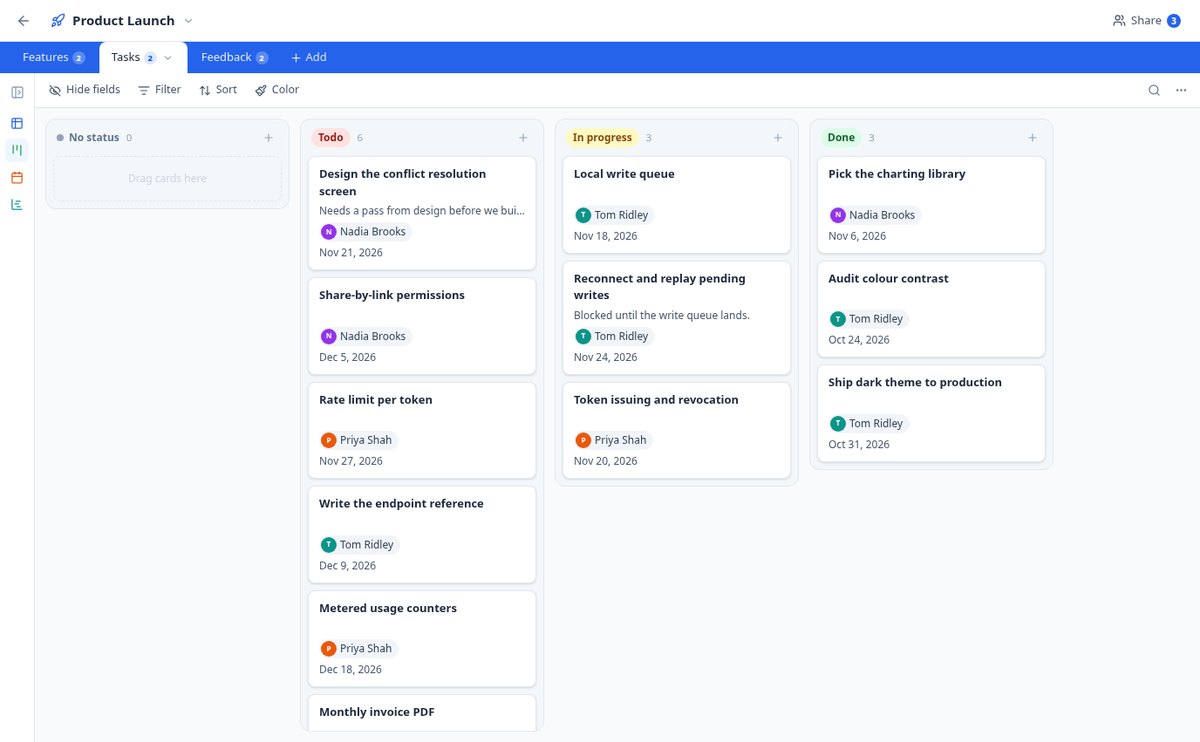
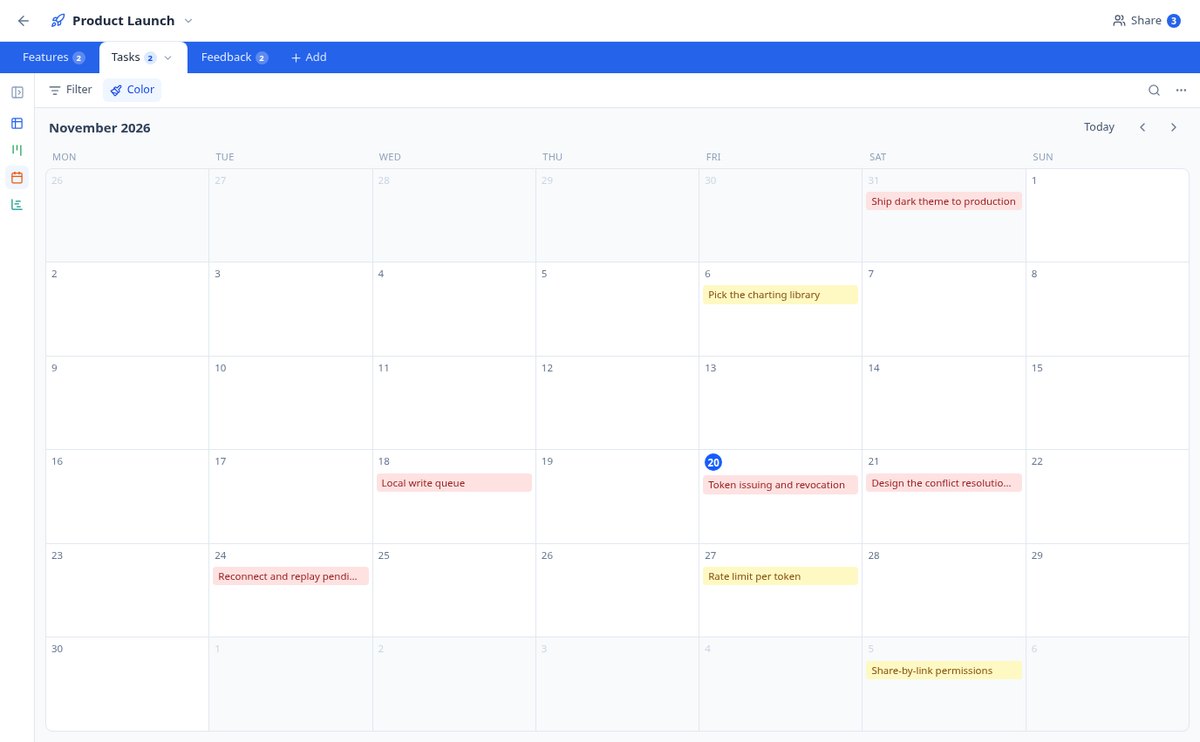
Kanban, calendar, and Gantt on the same table | BaseTable
View the same data as a grid, kanban board, gallery, monthly calendar, Gantt chart, or sign-up form. Six views per table, without duplicating anything. Free with BaseTable.
View feature
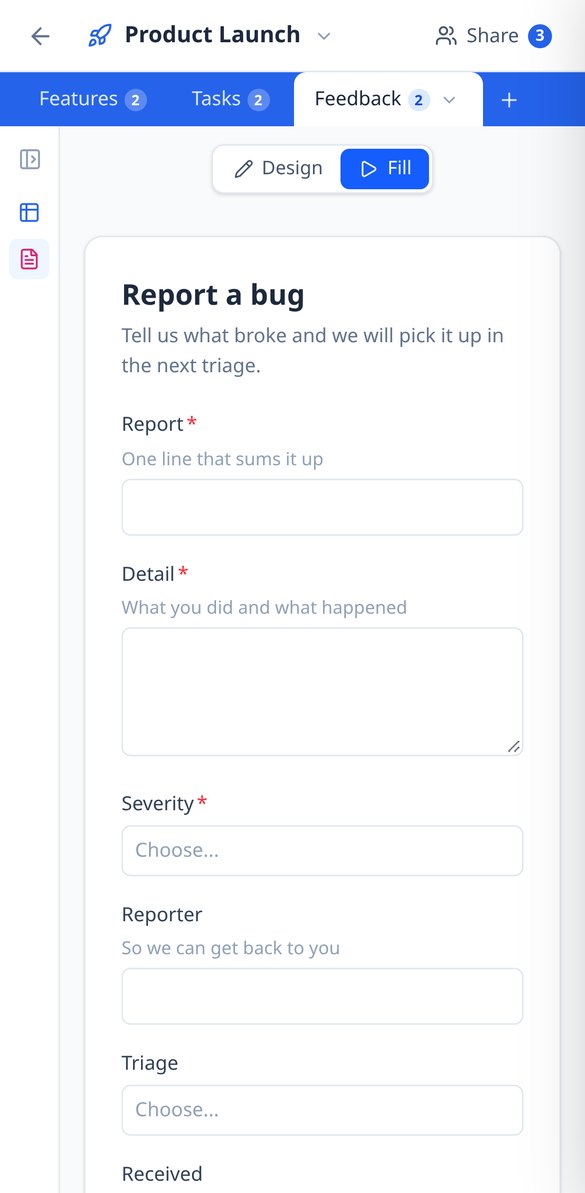
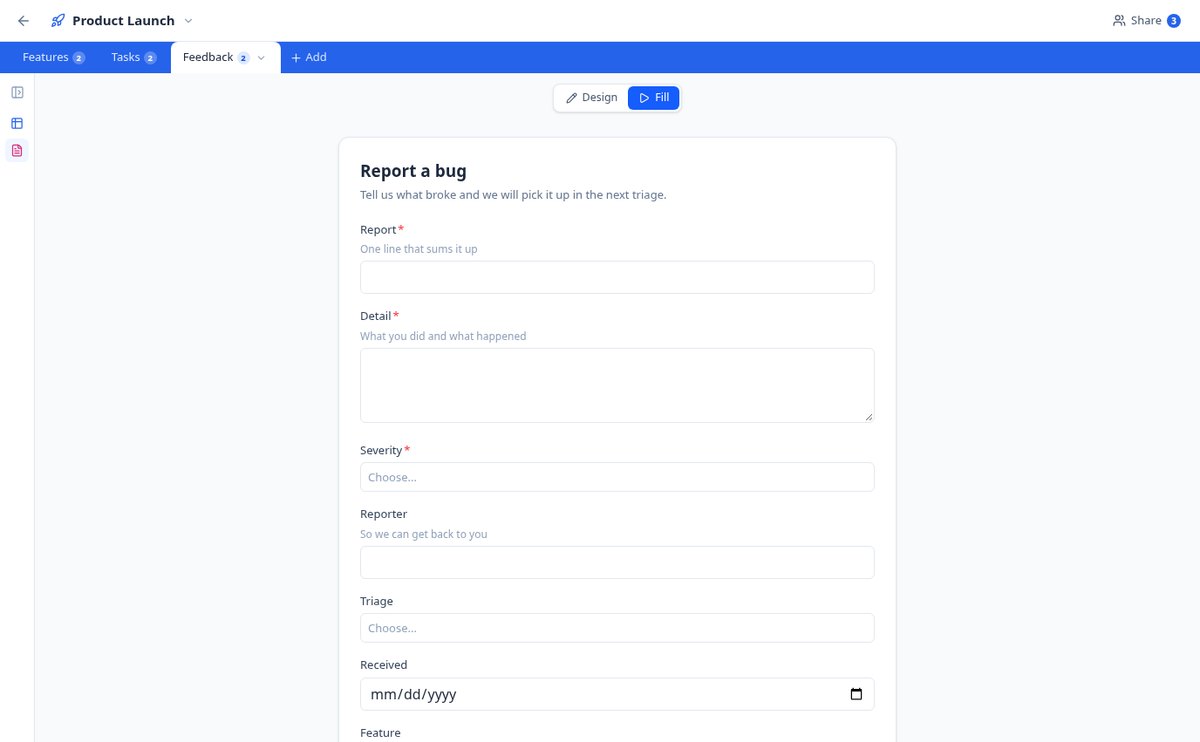
Create a form that saves to your database | BaseTable
Design a form based on any table: choose the fields, the required ones, the help texts, and the confirmation message. Each submission enters as a record. Free with BaseTable.
View feature
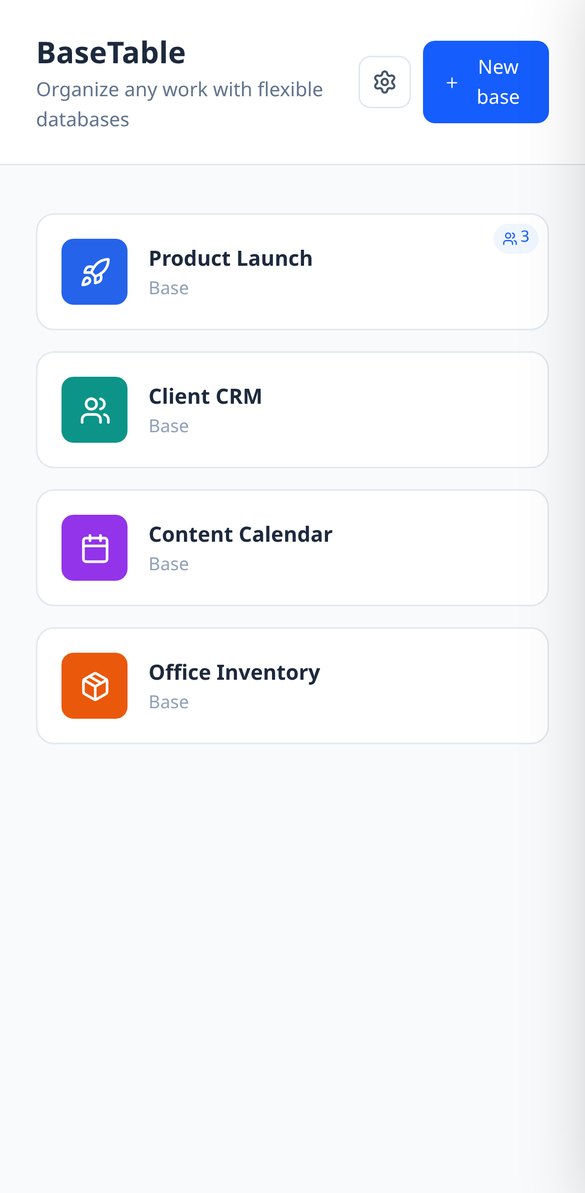
Share a database with permissions by table and field | BaseTable
Invite your team to an online database and decide who edits, who only views, and which columns no one sees. Permissions by table, view, and field—no coding required. Free.
View feature
Import from Airtable and CSV to an online database | BaseTable
Migrate your Airtable bases with tables, fields, views, linked records and attachments by pasting a token, or convert a CSV into a table with types detected. Free with BaseTable.
View feature
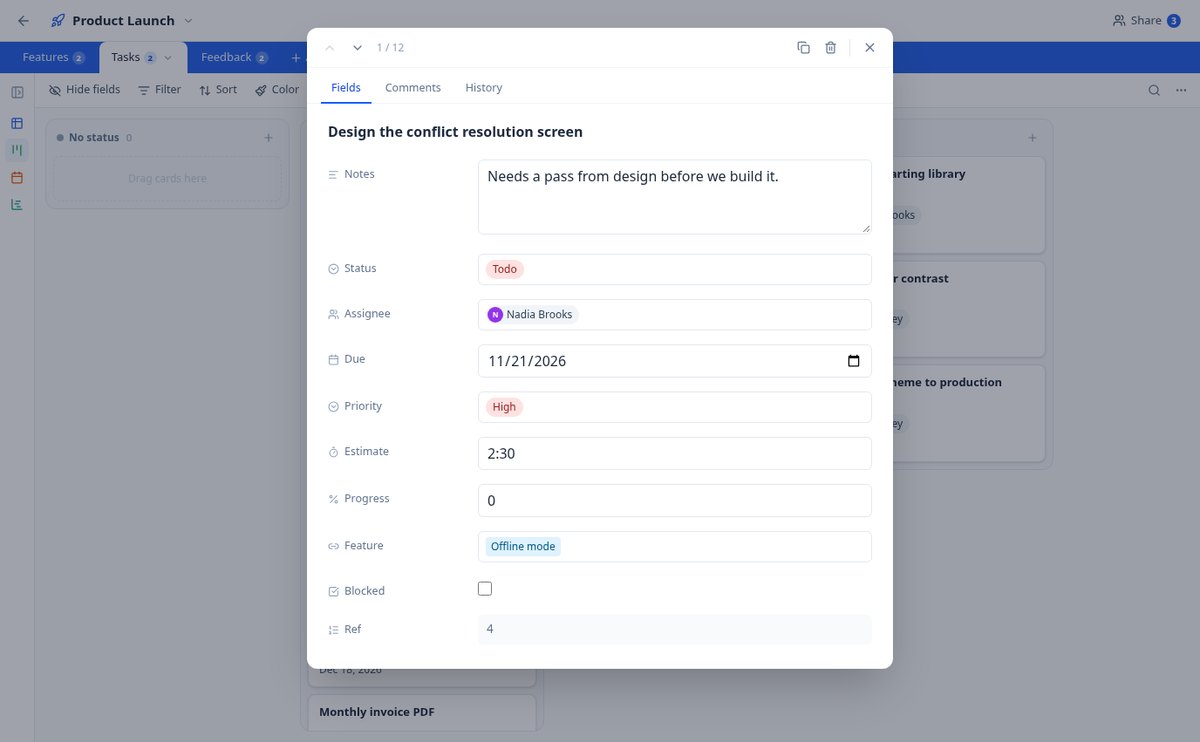
Change History and Comments per Record | BaseTable
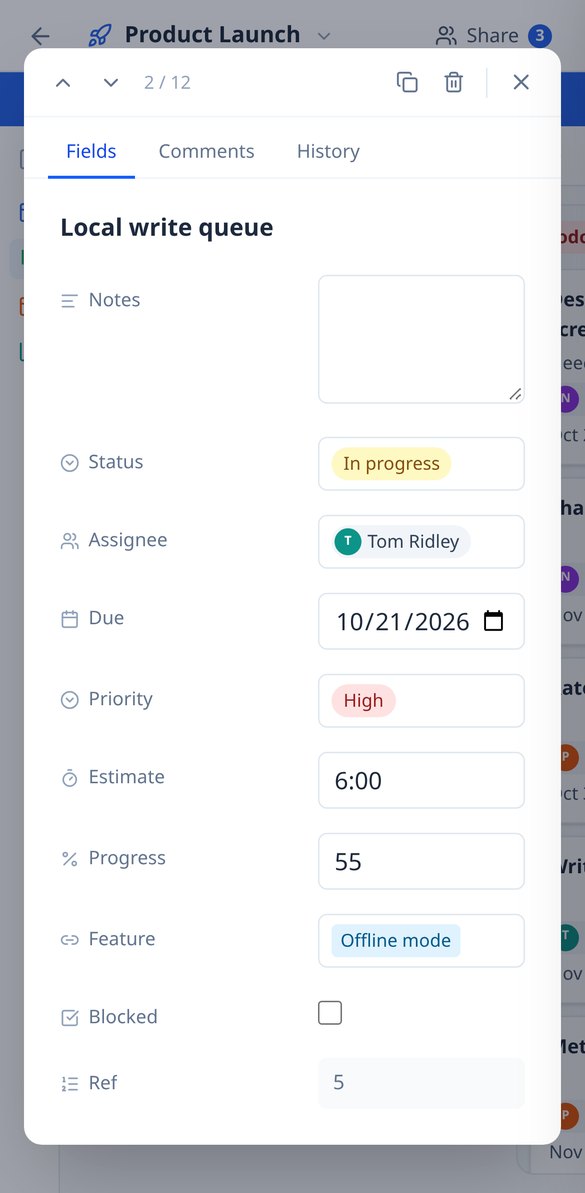
Online database with row-level auditing: field-by-field change history (previous value → new) and a comment thread in every record. Free with BaseTable.
View featureDatabase power, spreadsheet simplicity
Kolme osaa, jotka muuttavat tavallisen taulukon sinun tarpeisiisi sopivaksi järjestelmäksi.
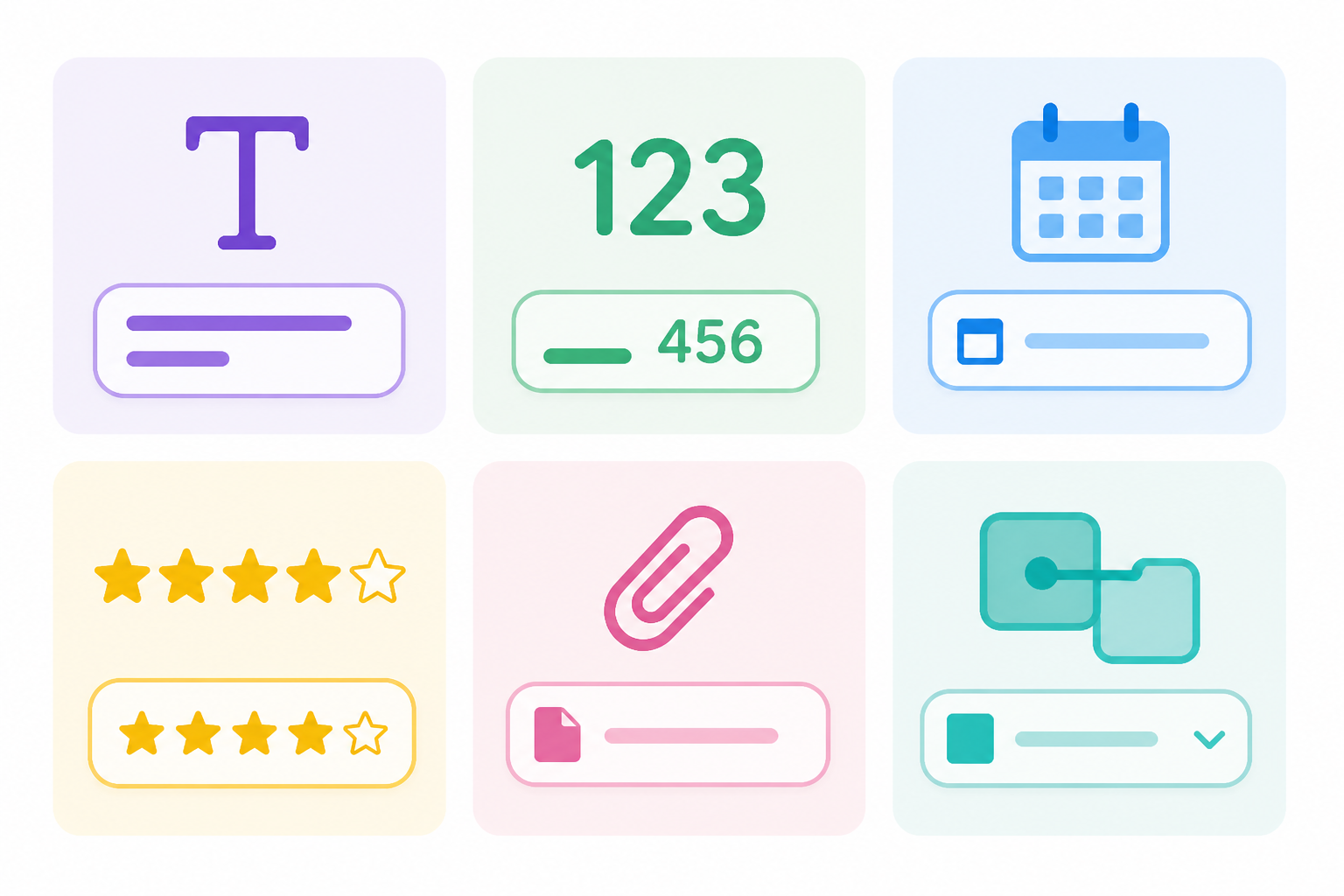
23 field types
Text, number, currency, percentage, duration, date, select, rating, attachments, collaborator, formulas, lookup, rollup, autonumber, and linked records between tables.

6 views over the same data
Editable grid, kanban board, card gallery, calendar, timeline, and form to collect information. Switch views without duplicating anything.
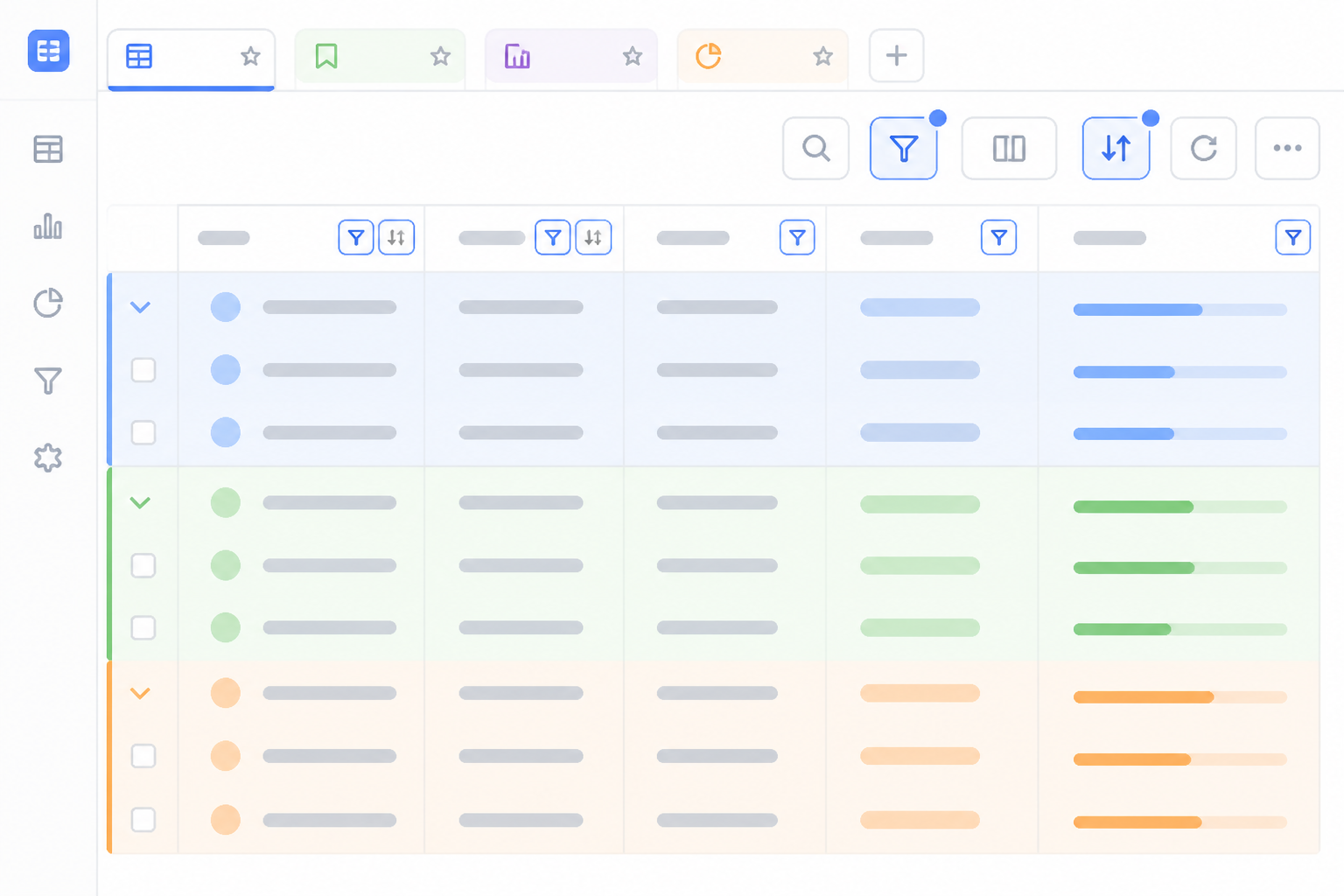
Filters, groups, and saved views
Filter with nested conditions, group up to three levels, sort, color by status, and summarize each column: each view's configuration saves itself.
From spreadsheet to your base in three steps
Rekisteröidy
Luo ilmainen tili ja avaa BaseTable selaimessa.
Tuo tietosi
Aloita tyhjästä, tuo CSV tai tuo Airtable-tietokantasi taulukkoineen, kenttineen ja liitteineen.
Valitse, miten sitä katsot
Lisää tarvitsemasi näkymät ja jaa jokainen tietokanta tiimillesi sopivilla oikeuksilla.
Frequently Asked Questions
Latest blog articles
Guides and news to get more out of it

Airtable changes ownership: how to audit your bases and prepare an exit plan without panicking and migrating
Airtable is now owned by Bending Spoons: what has changed, how to audit your bases in 30 minutes, export your data, and choose an alternative without panicking and migrating.

Share a spreadsheet without it getting misaligned: why 'protecting cells' isn't security and what to do instead
Protecting cells in Excel or Google Sheets prevents editing, not viewing. What each option really prevents, the 4 typical wrecks, and how to grant permissions by table, view, and field with BaseTable.
Organize your work with BaseTable
Luo ensimmäinen tietokantasi minuuteissa, ilmaiseksi ja selaimessa.