
BaseTable · The database that adapts to the way you work
 AI
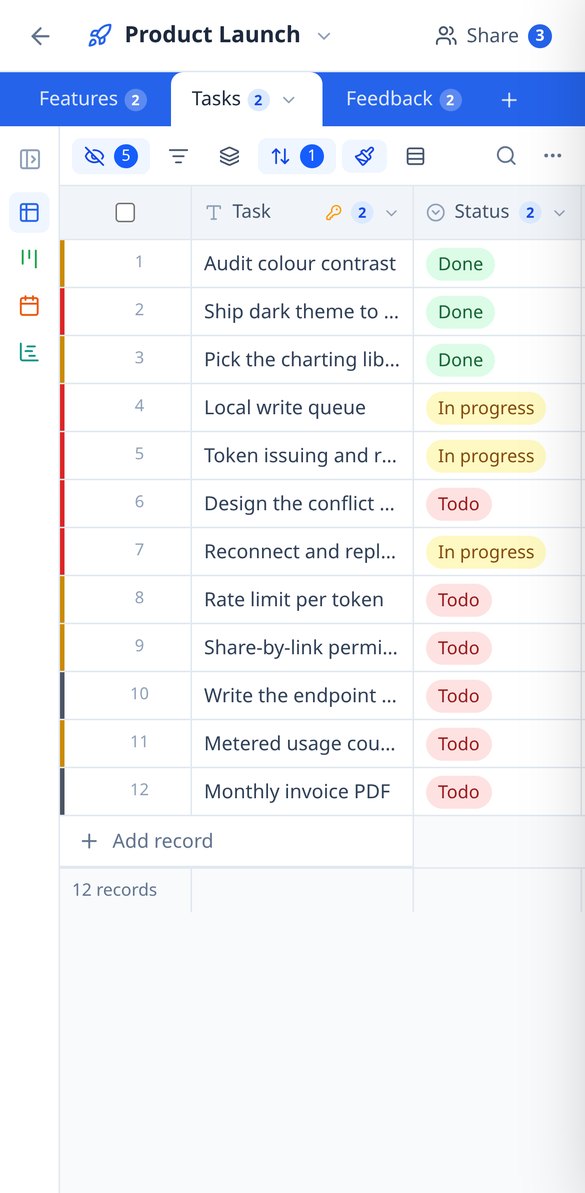
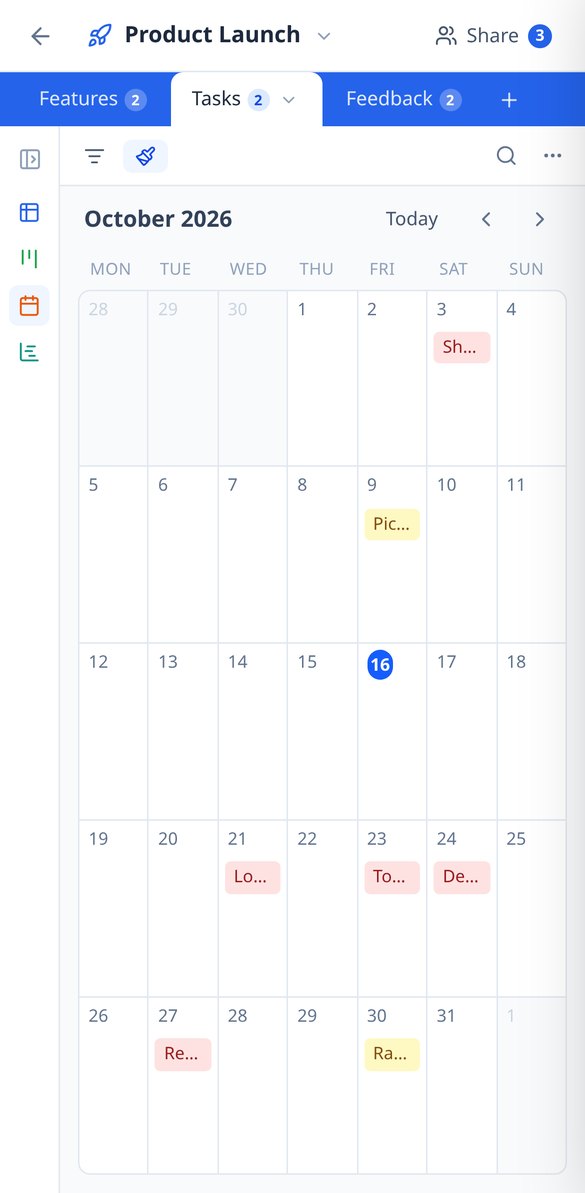
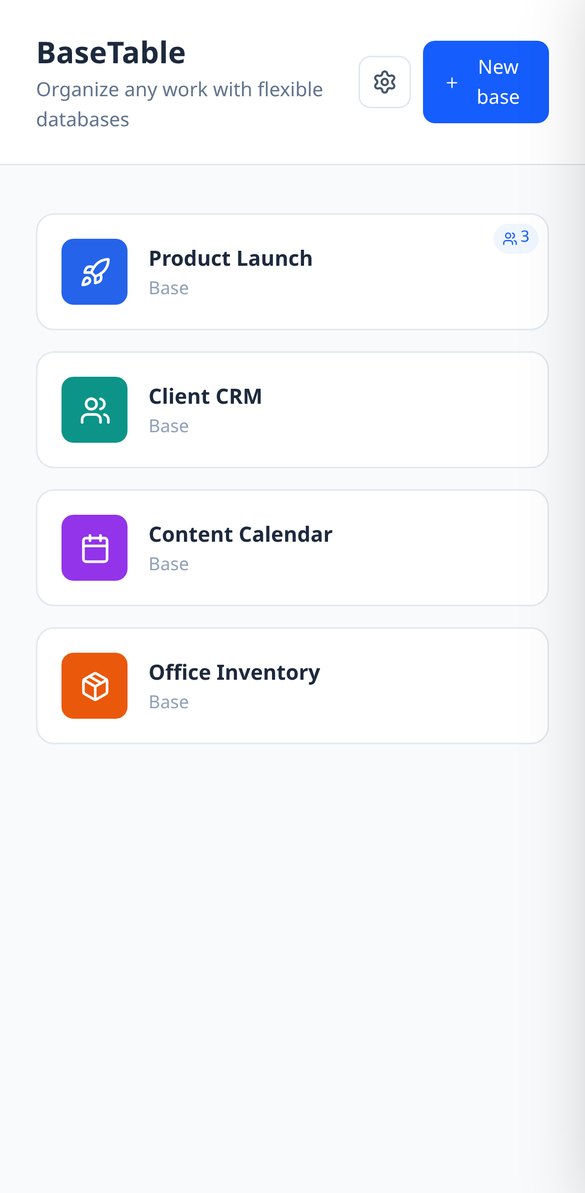
If you know how to use a spreadsheet, you already know how to use BaseTable: create tables to your liking, link them together, and view the same data as a grid, kanban, calendar, gallery, timeline, or form.
In the features that use AI, responses are generated by artificial intelligence and are not a substitute for professional advice.
ゲームが受け付けるファイルを作るために、古いサイトと何回の午後を費やしましたか?
この分野のツールは分散していて、機能が1つだけで、頼んだものに近いものを返すだけです。ここでは形式が最優先です。スキンは固定マスの64×64アトラス、サーバーアイコンは正確な64×64のPNG、バナーはベースカラーに閉じたカタログから最大6層、直径Nの円はジオメトリです。これらはすべて計算され、計測されます。PNGは読み直して、64×64であることを確認してから提供し、各レイヤーの区間はレイヤーのブロック数とぴったり一致し、MOTDは文字数ではなく、ゲーム内の実際のピクセルで測ります。
Start for free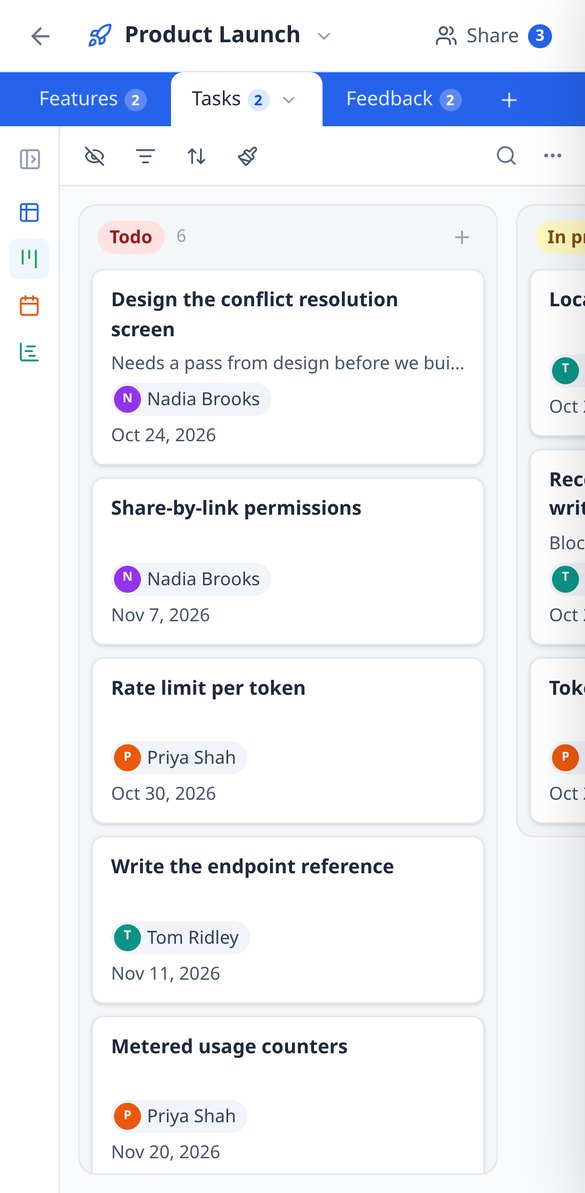
Discover every feature in detail

Create an online database without coding | 23 field types | BaseTable
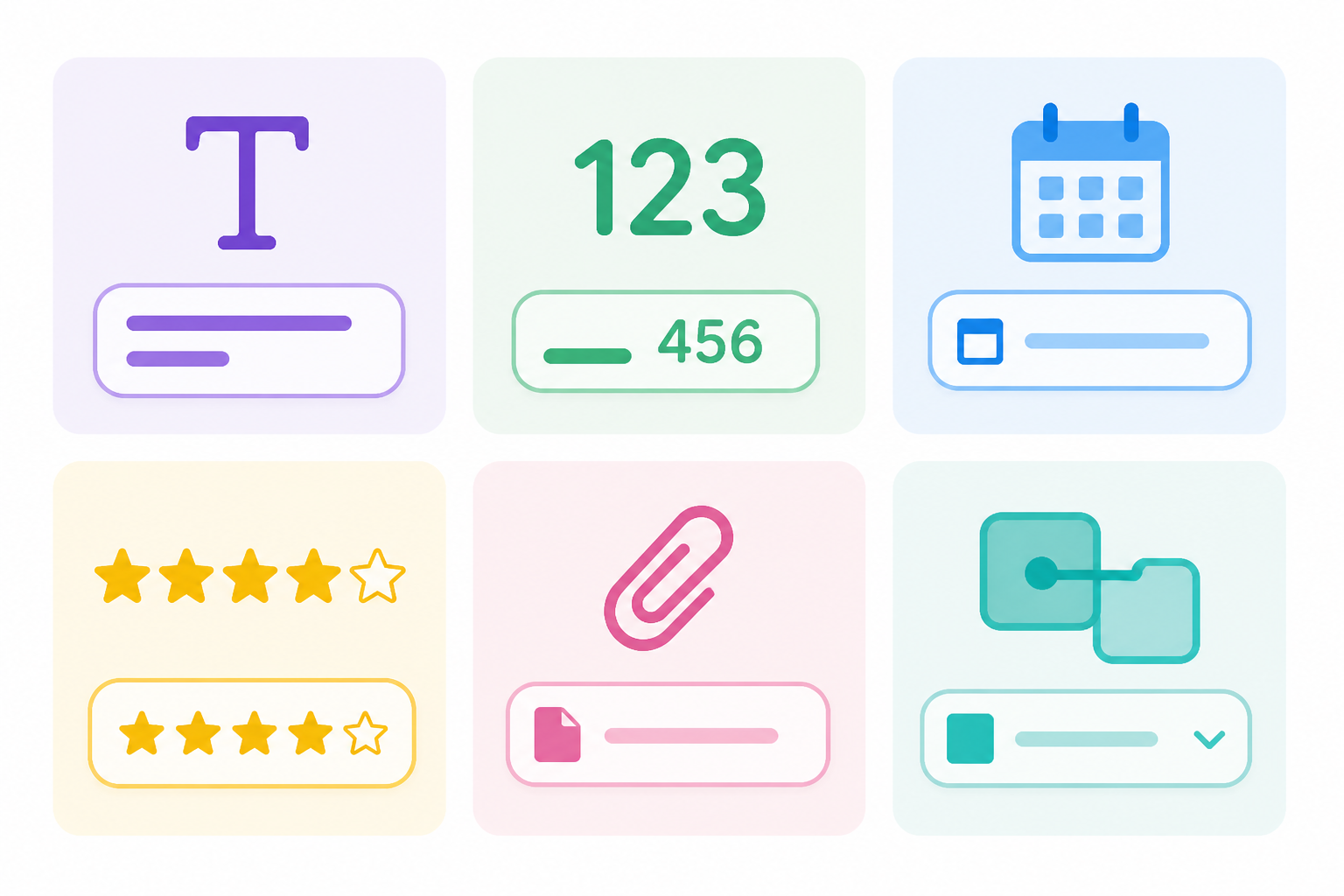
Create databases without coding from your browser: 23 field types (currency, date, selection, attachments, rating, formula, lookup, rollup) and linked tables. Free with BaseTable.
View feature
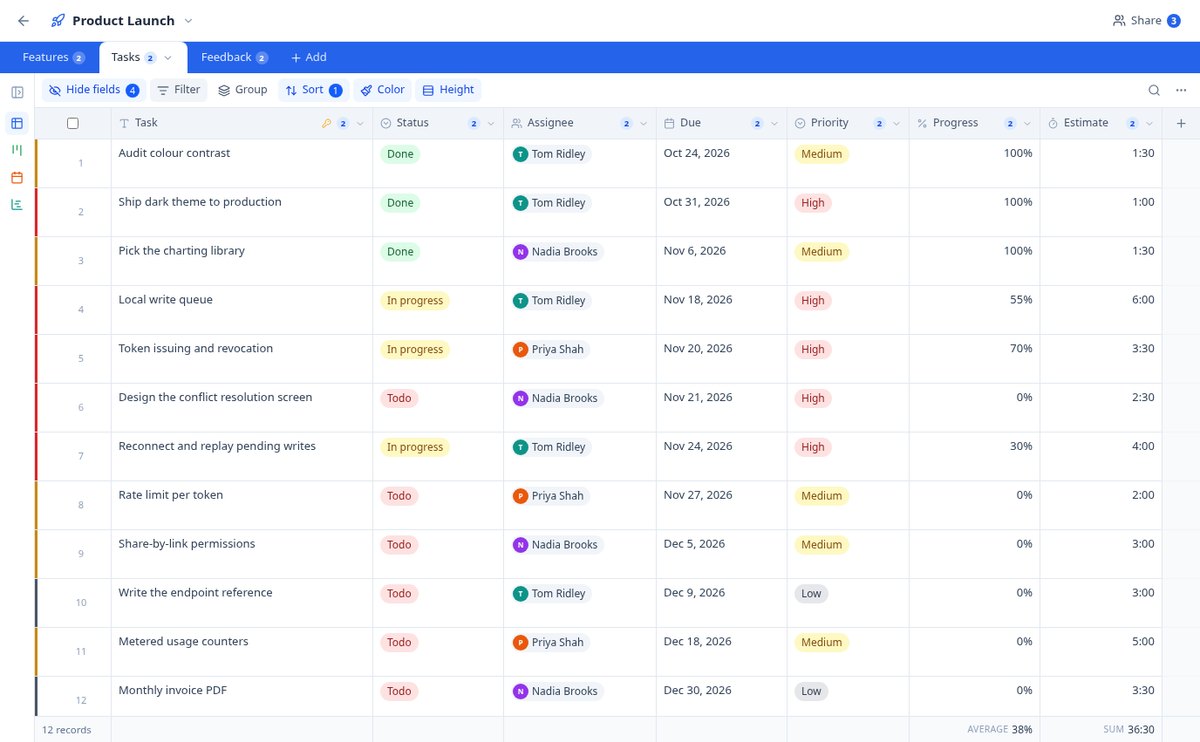
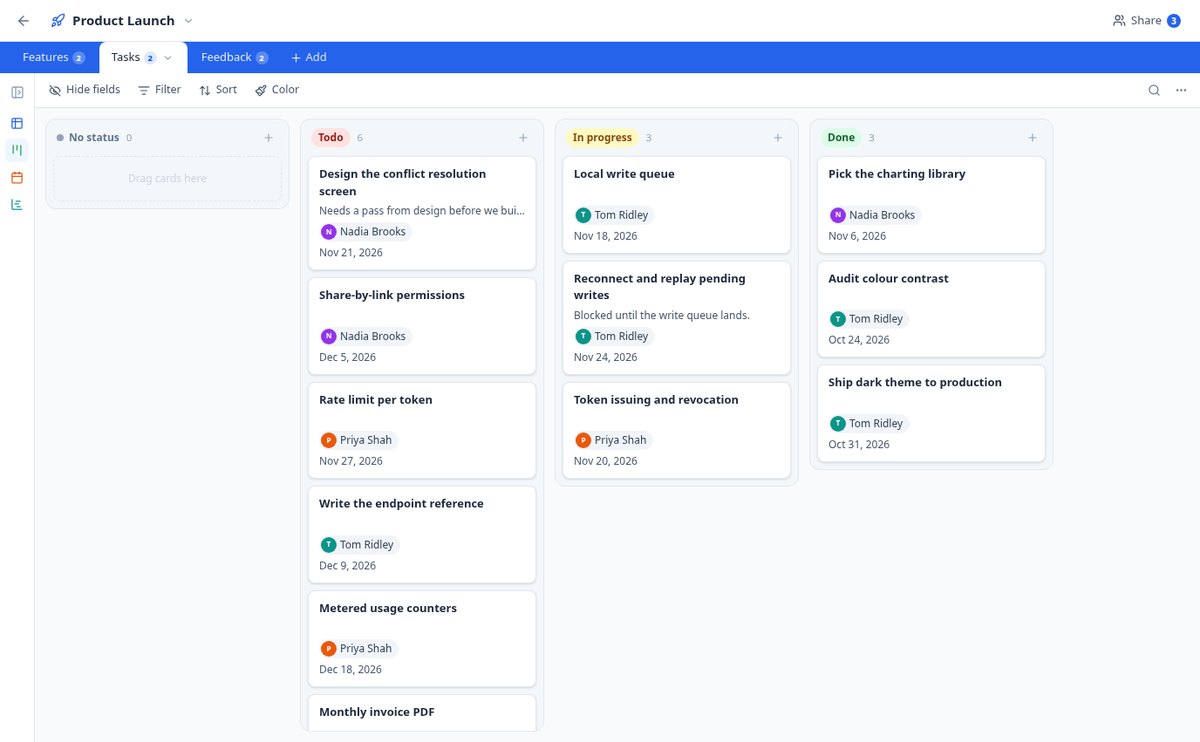
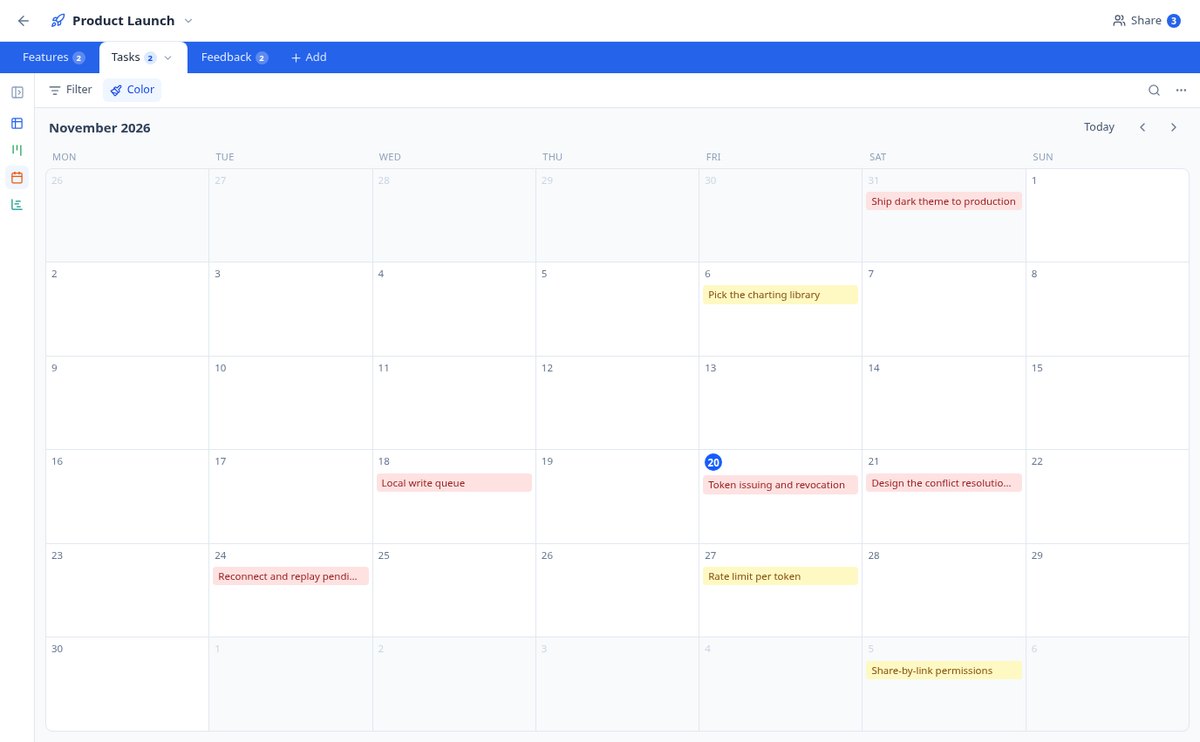
Kanban, calendar, and Gantt on the same table | BaseTable
View the same data as a grid, kanban board, gallery, monthly calendar, Gantt chart, or sign-up form. Six views per table, without duplicating anything. Free with BaseTable.
View feature
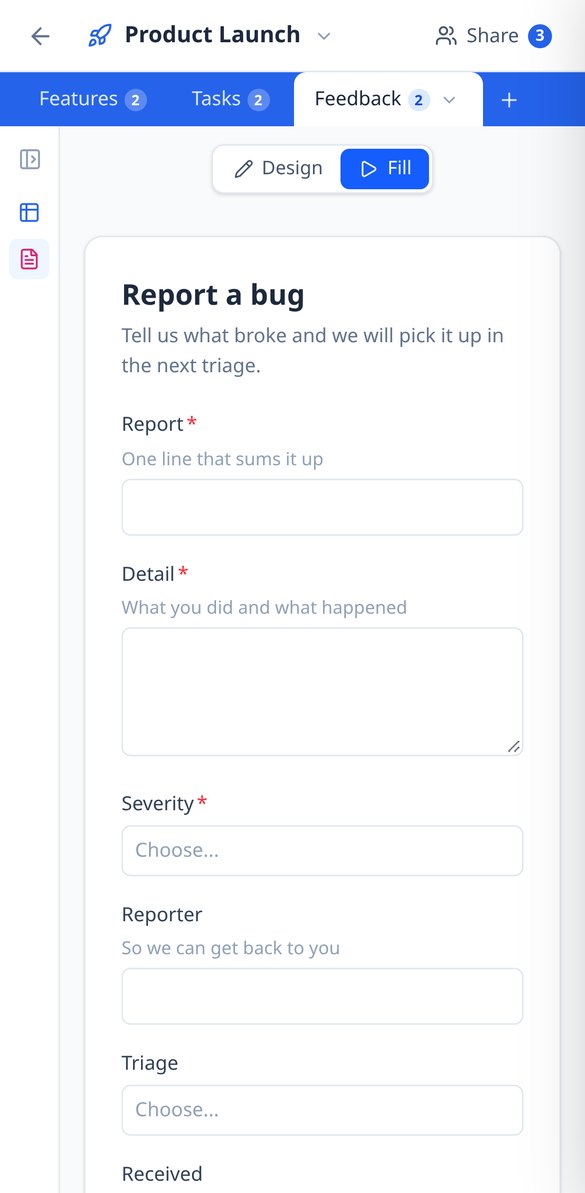
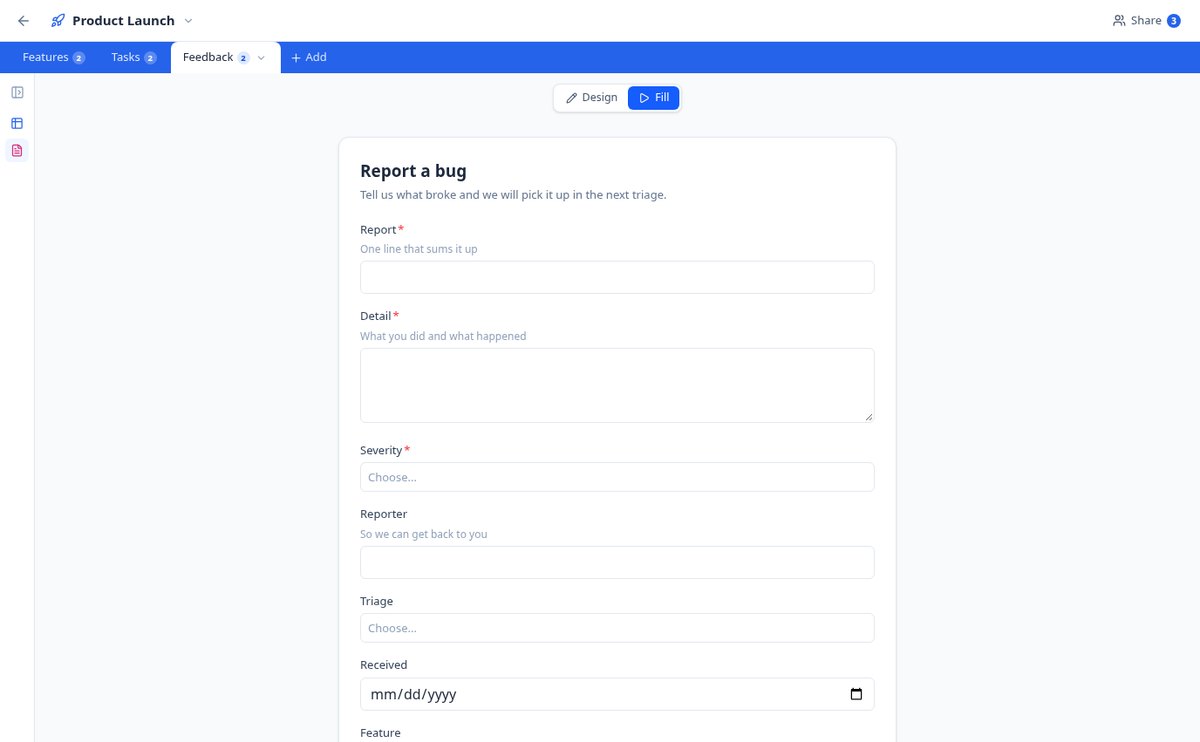
Create a form that saves to your database | BaseTable
Design a form based on any table: choose the fields, the required ones, the help texts, and the confirmation message. Each submission enters as a record. Free with BaseTable.
View feature
Share a database with permissions by table and field | BaseTable
Invite your team to an online database and decide who edits, who only views, and which columns no one sees. Permissions by table, view, and field—no coding required. Free.
View feature
Import from Airtable and CSV to an online database | BaseTable
Migrate your Airtable bases with tables, fields, views, linked records and attachments by pasting a token, or convert a CSV into a table with types detected. Free with BaseTable.
View feature
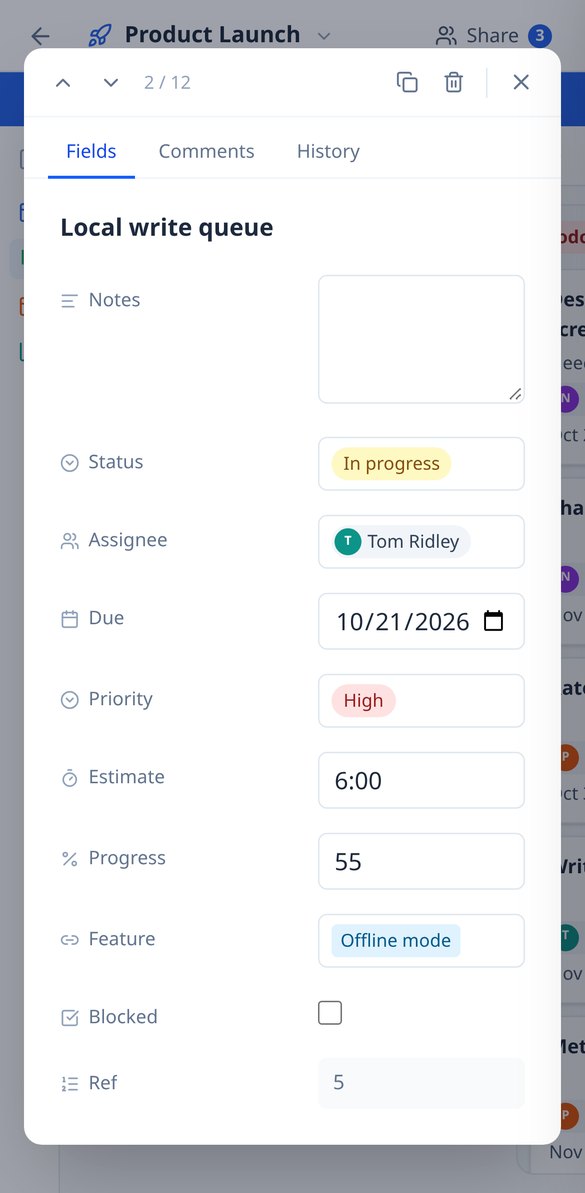
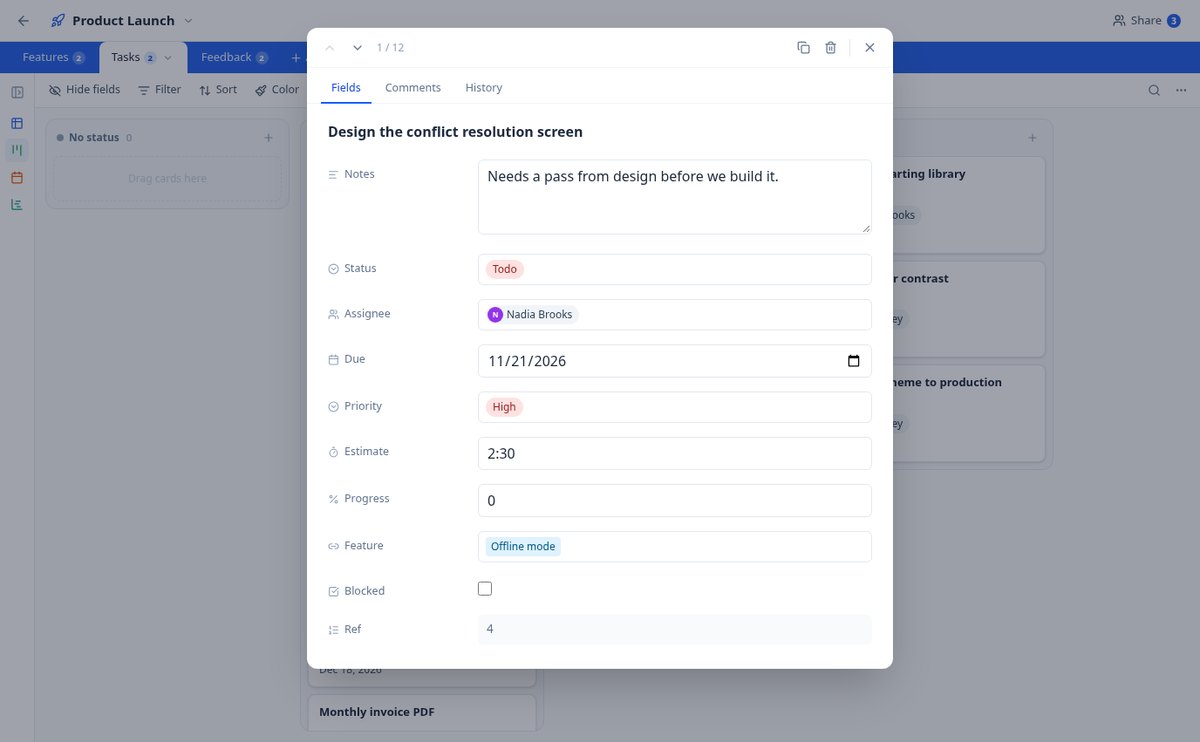
Change History and Comments per Record | BaseTable
Online database with row-level auditing: field-by-field change history (previous value → new) and a comment thread in every record. Free with BaseTable.
View featureDatabase power, spreadsheet simplicity
スキン、バナーと盾、サーバーキット、バージョン付きで検証済みの36のコマンドレシピ、84ブロックの表に基づくドット絵付きの8つの幾何学図形。計算できるものは計算します。モデルが当てるかどうかに依存するものはありません。
23 field types
Text, number, currency, percentage, duration, date, select, rating, attachments, collaborator, formulas, lookup, rollup, autonumber, and linked records between tables.
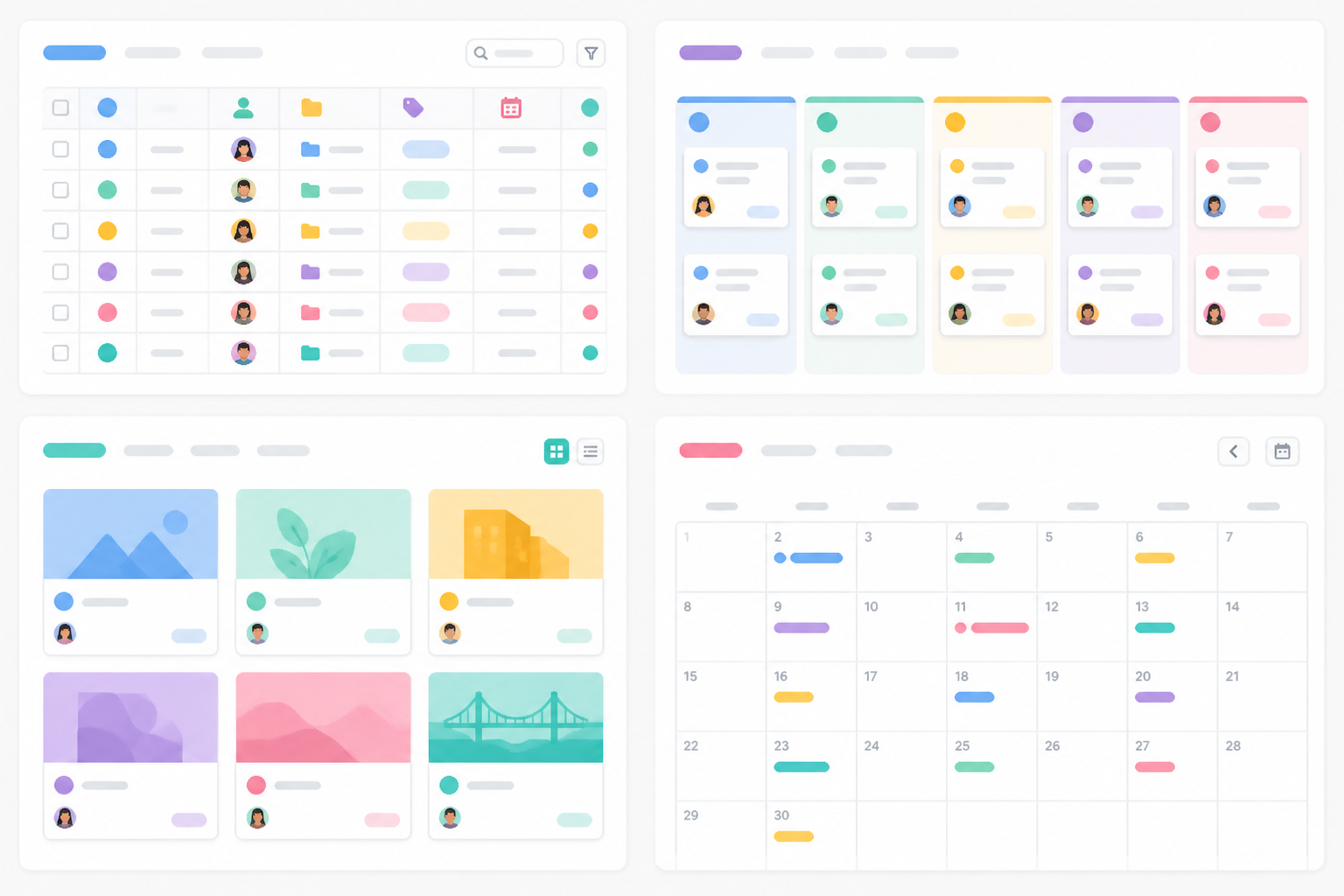
6 views over the same data
Editable grid, kanban board, card gallery, calendar, timeline, and form to collect information. Switch views without duplicating anything.
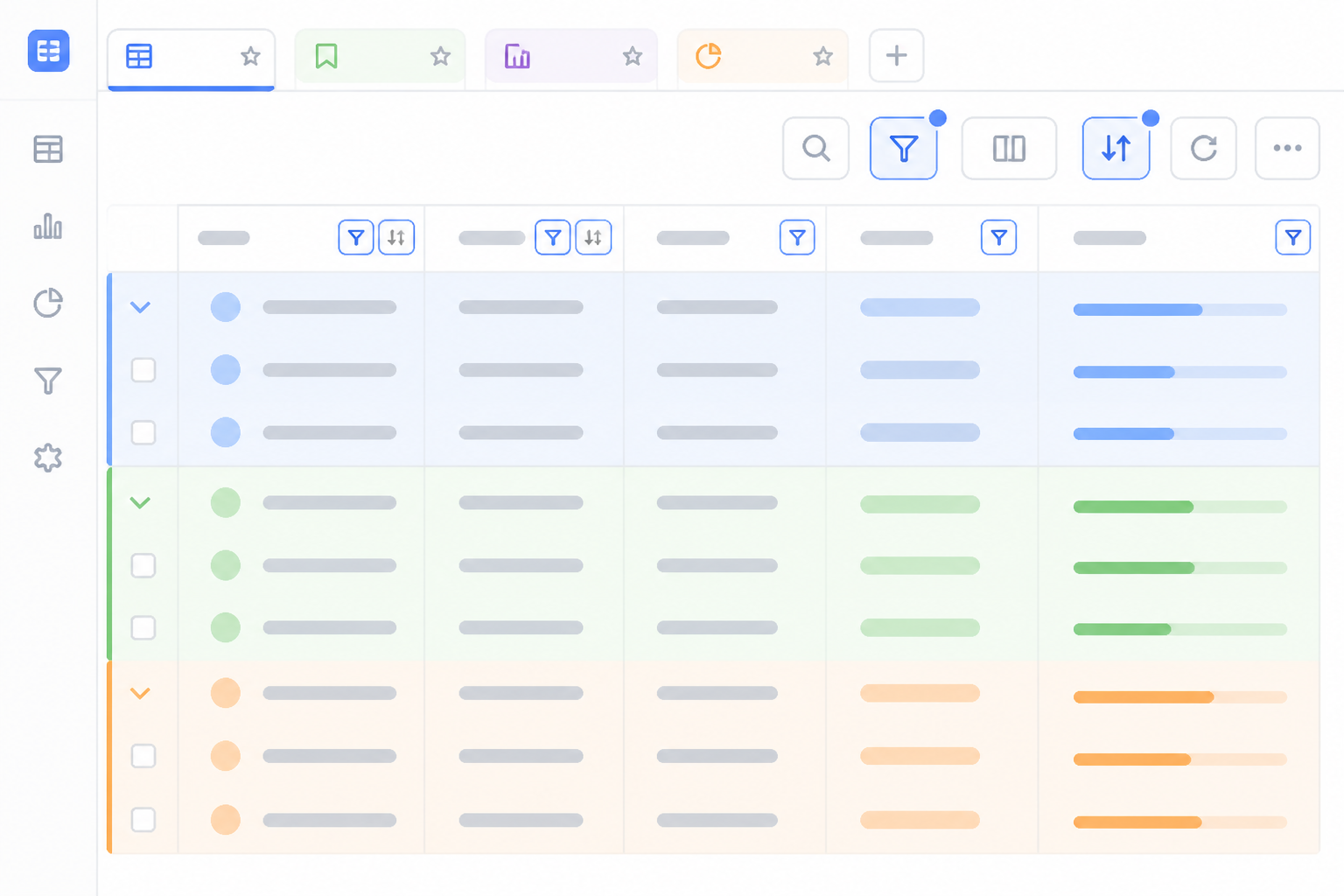
Filters, groups, and saved views
Filter with nested conditions, group up to three levels, sort, color by status, and summarize each column: each view's configuration saves itself.
From spreadsheet to your base in three steps
探しているスタジオに入る
ウェルカム画面も登録の壁もなく、そのままツールに入れます。バナーと盾のデザイン、MOTDの作成、サーバー名の生成、コマンドカタログの検索、プランと材料の計算には、アカウントは不要です。
調整してプレビューを見る
タップするたびに、結果がその場で再構成されます。プランのレイヤー、バナーのレイヤースタック、MOTDの行幅、スキンのモデルなど、待ち時間もコストもありません。
ファイルをダウンロード、またはコマンドをコピー
無料アカウントを作成すると、スキン、アイコン、印刷用シートをダウンロードでき、作品をパラメーターごと保存して、あとから開き直して細部を変更できます。
Frequently Asked Questions
Latest blog articles
Guides and news to get more out of it

Airtable changes ownership: how to audit your bases and prepare an exit plan without panicking and migrating
Airtable is now owned by Bending Spoons: what has changed, how to audit your bases in 30 minutes, export your data, and choose an alternative without panicking and migrating.

Share a spreadsheet without it getting misaligned: why 'protecting cells' isn't security and what to do instead
Protecting cells in Excel or Google Sheets prevents editing, not viewing. What each option really prevents, the 4 typical wrecks, and how to grant permissions by table, view, and field with BaseTable.
Organize your work with BaseTable
無料で登録すると、ファイルのダウンロードと、パラメーター付きでの作品の保存ができます。現在無料でアカウント不要のものは、これからもそのままです。